
Oct 13, 2026Buying Guides
How to Choose an HMI for Your Control Panel
Picking an HMI is about the operator, the environment, and the controller — not the brand. Here's the checklist that stops panels shipping with the wrong screen.
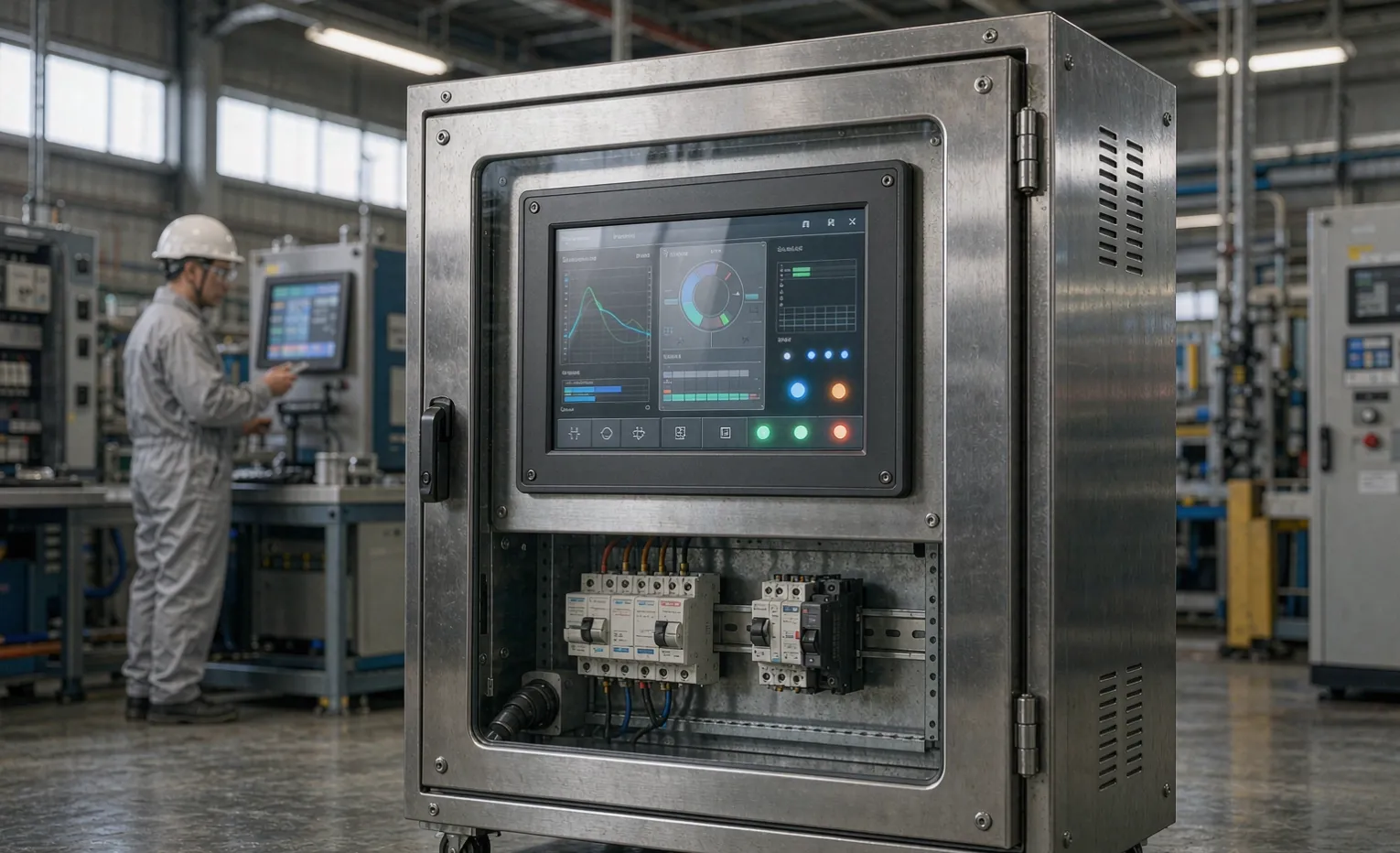
Picking an HMI for your control panel comes down to three things: who's looking at it, where it's mounted, and what controller it talks to. Get those right and the brand barely matters. I've watched panels ship with a screen that was too small to read at arm's length or sealed for an office wall and mounted on a washdown line—both are easy to avoid if you decide the spec before the purchase order.
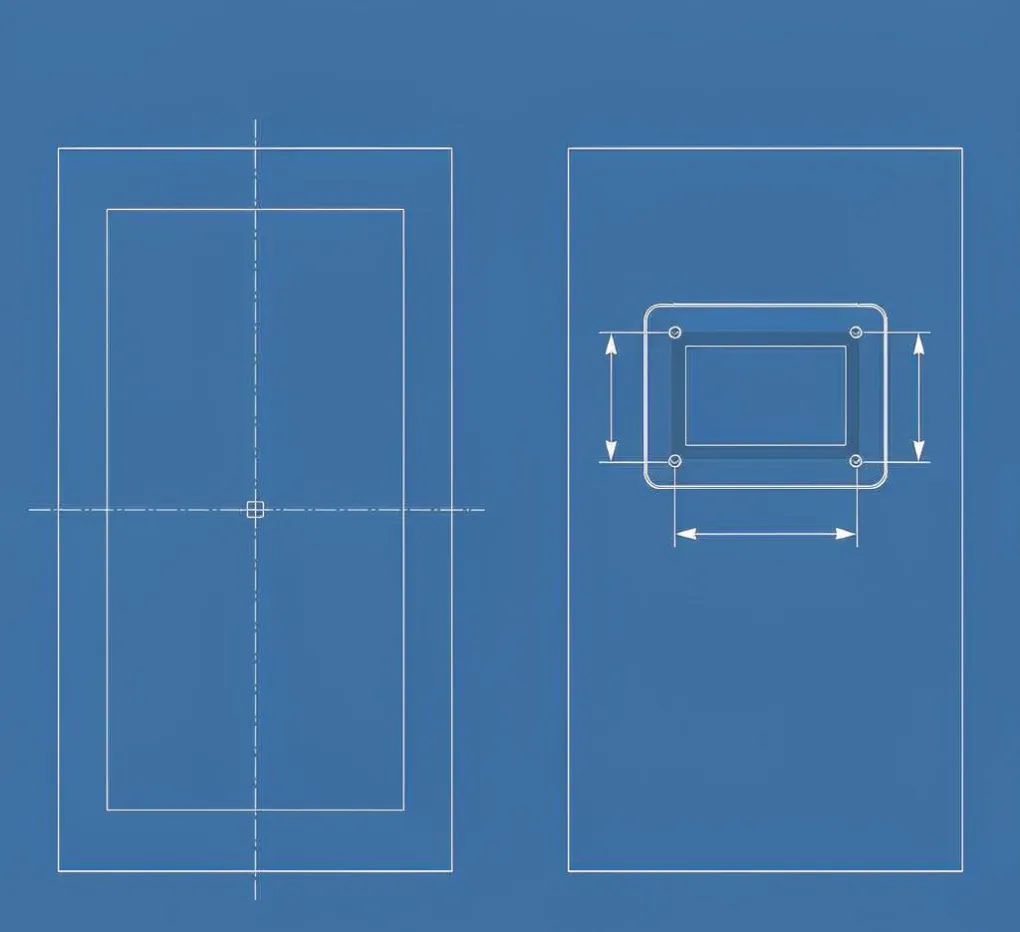
Quick boundary: we build the panel and wire the HMI you specify—Mitsubishi, Siemens, ABB, Pro-face, and others among them. We're a sourcing partner and panel-build shop, not an HMI manufacturer, and we don't write the machine's screen logic. What we own is the cutout, the sealing, the cable, and the mounting that make the operator's screen actually usable on the floor.
Start with the operator, not the catalog.
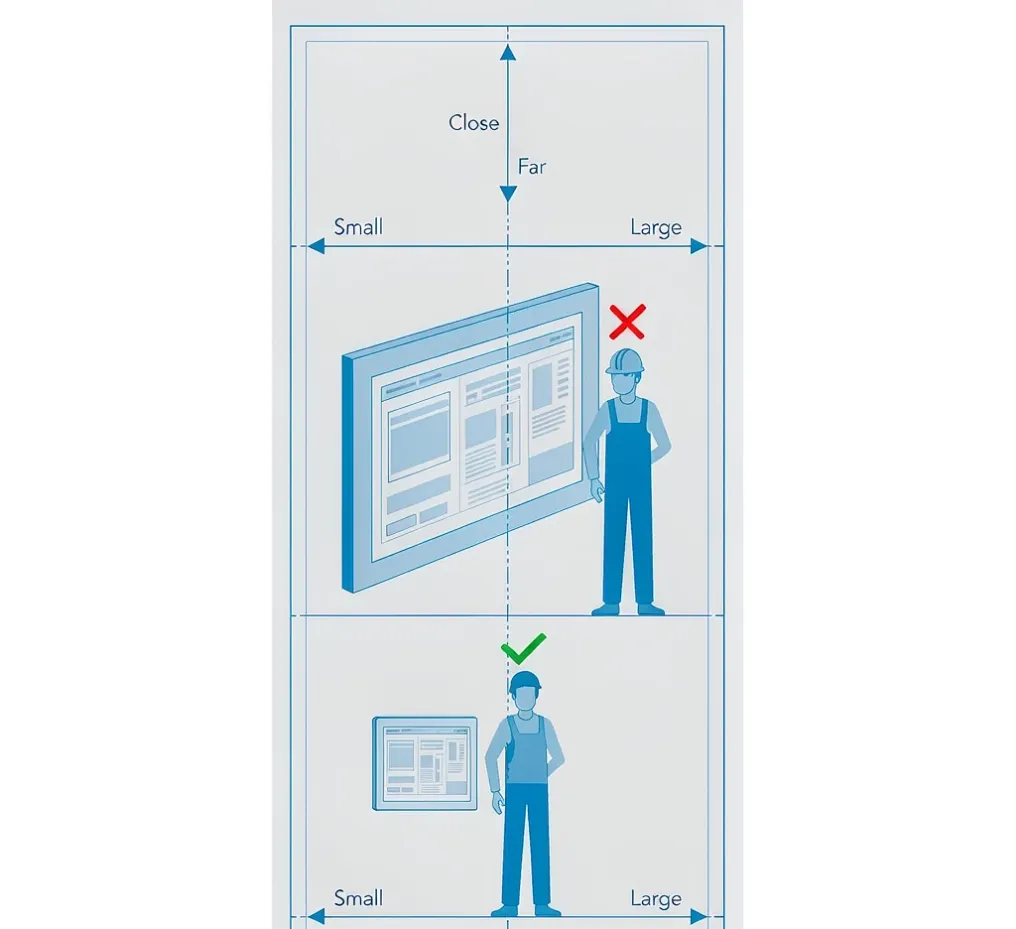
The first question is physical: how far is the operator from the screen, and what are they doing while they look at it? A screen sized for a desktop desk fails on a machine three meters away. A rough rule we use: for a fixed mounting point, pick a diagonal that keeps the smallest text readable at the viewing distance—roughly 1 inch of diagonal per 0.5 m of distance is a safe starting point, then go bigger if the operator is moving.
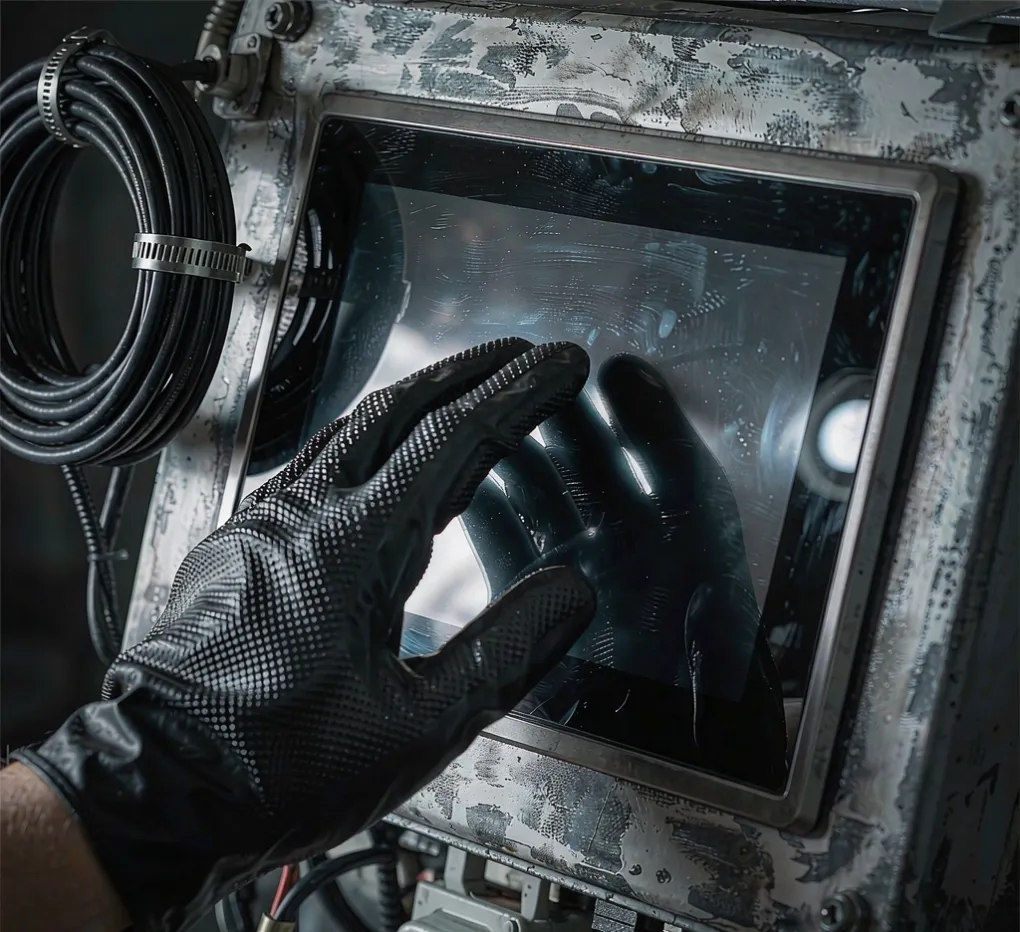
The second question is the glove factor. If anyone runs the panel with gloves on—cold stores, welding cells, food lines—a capacitive glass screen is the wrong call. Resistive or a glove-capable projected-capacitive panel is what survives. This single choice kills more "the screen won't respond" tickets than any software fix.
Match the rating to the site.
The enclosure rating around the HMI has to match the room, not the brochure. An IP65 faceplate is fine for splashes; a washdown or outdoor line needs IP66 or higher with a proper gasket and a front bezel that sheds water. For North American sites the reference is NEMA; most other markets use IEC 60529 (IP) through IEC. If the panel sits in a corrosive or coastal area, the HMI faceplate material matters as much as the rating—a cheap plastic bezel yellows and cracks while the stainless around it is fine.
Temperature is the quiet killer. Most HMIs are rated to about 50–60°C ambient at the front; if your cabinet runs hot, the screen mounts on the cool side, or you move the heat out first. We cover the cabinet heat side in our servo panel layout guide — a hot box cooks every device in it, not just the drive.
Speak the controller's language.
The HMI has to talk to the PLC you already chose. Mitsubishi, Siemens, ABB, and Omron—each has preferred driver support, and a "universal" panel that lists every brand sometimes supports your specific CPU only on paper. Confirm the exact controller family and firmware before you buy, not after the panel is built. The communication path matters too: Ethernet for a modern cell, but some legacy machines still want RS-232/485 or a dedicated link—and that cable is part of the panel build, not an afterthought.
The selection table we use

Decision | What to specify | Why it matters |
|---|---|---|
Viewing distance | Diagonal sized to operator reach | Stops unreadable screens at range |
Glove use | Resistive or glove-capable touch | Keeps the screen responsive on the floor |
Front rating | IP66 / NEMA 4X for wet or outdoor | Prevents ingress failure |
Faceplate material | Stainless or coated for corrosive sites | Avoids yellowing and cracking |
Controller | Exact brand, family, firmware | Real driver support, not "universal" |
Comms | Ethernet / RS-485 / dedicated link | Cable is part of the build. |
A panel we re-cut
A packaging OEM sent us a panel with a 7-inch capacitive screen mounted two meters from the operator on a chilled line—operators wore gloves, and the screen ignored half their taps. We swapped to a 10-inch glove-capable resistive panel, moved it to the cool face of the cabinet, and sealed it to IP66. Same PLC, same program, zero "screen won't respond" calls after that. The screen brand never changed—the spec did.
FAQ
Do you make the HMI?
No. We're a sourcing partner and panel-build shop. We build the enclosure and wire the HMI you specify—Mitsubishi, Siemens, ABB, and Pro-face among them.
How big should the screen be?
Size it to the operator's viewing distance, not the catalog photo. A rough start is about 1 inch of diagonal per 0.5 m of reach, then go larger if the operator is moving or gloved.
Capacitive or resistive?
If anyone wears gloves—cold stores, welding, food lines—use a resistive or a glove-capable panel. Capacitive glass fails the moment a glove goes on.
Does the rating have to match the site?
Yes. IP66 or NEMA 4X for wet or outdoor; a plain office-grade faceplate on a washdown line fails early. Match the faceplate material too in corrosive air.
Will any "universal" HMI talk to my PLC?
Maybe, maybe not. Confirm the exact controller family and firmware. A panel that lists every brand sometimes supports yours only on paper.
How long does a panel with an HMI take to build?
An empty cabinet runs a 5-piece minimum and about 15–20 days. A full panel build from a reviewed drawing is typically 35–40 days after you sign off.
Engineering takeaway
Choose the HMI from the operator outward: viewing distance and gloves decide the size and touch type, the site decides the rating and faceplate material, and the controller decides the driver and cable. Write those five lines into the spec before the PO and the brand becomes the least important part of the screen.
Related guides
If your panel lives in a corrosive or coastal site, also see our enclosure RFQ guide for harsh environments—the right HMI still fails inside the wrong box.
We cover the broader build-and-ship process in our electrical enclosure supplier's guide to sourcing from China, and our custom control panels solution page shows what we integrate and ship.
Ready to spec your panel's HMI? Upload your drawing and controller for an engineering review—we'll return a screen and mounting that actually work on your floor.