
Oct 19, 2026Buying Guides
Why Your UPS Switches to Battery When the Power Never Went Out
A UPS that drops to battery on a normal day isn't protecting you — it's hiding a power-quality problem upstream. Here's what's really tripping the transfer.
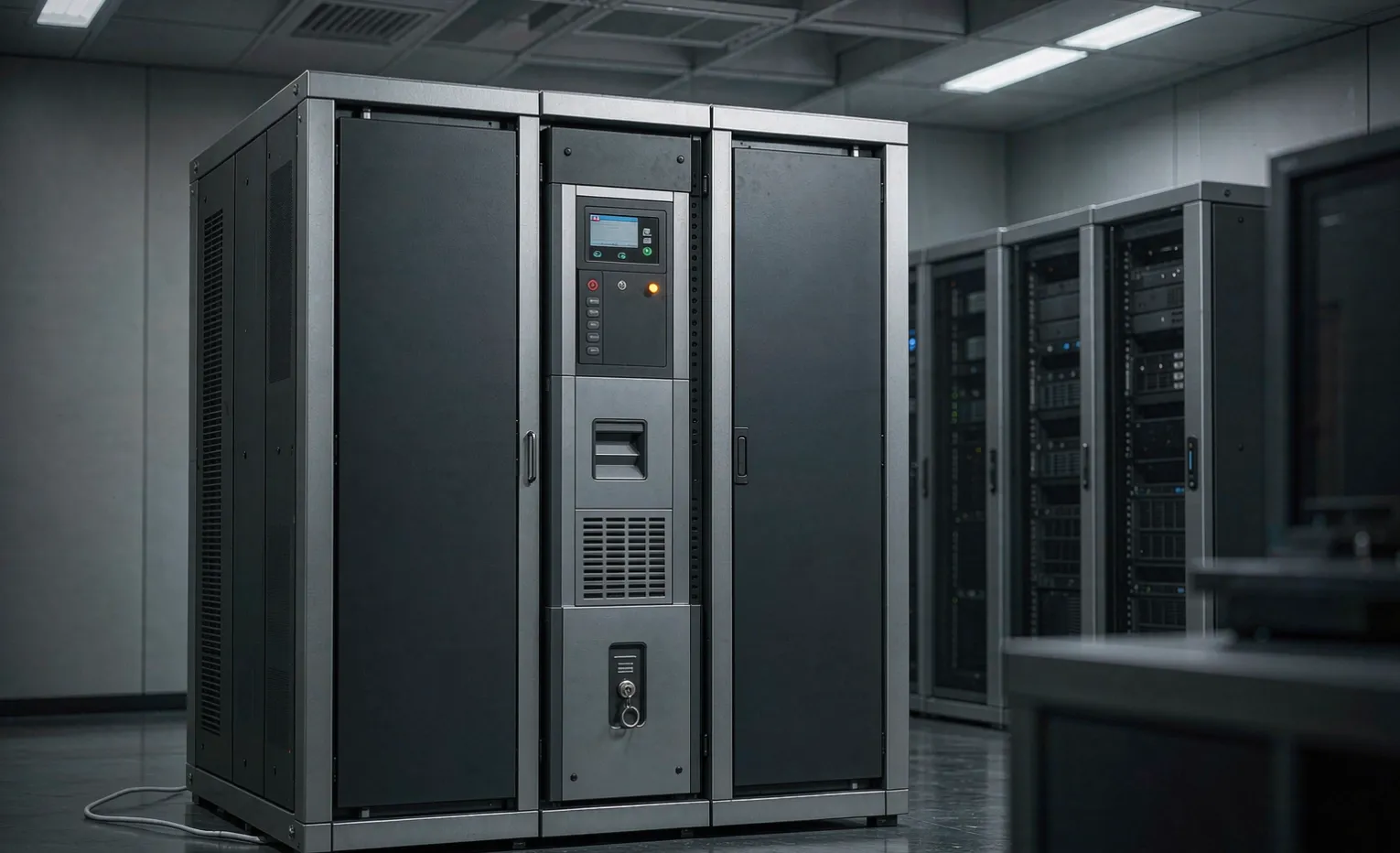
The real reason isn't a blackout.
I get this call more than you'd think. "My UPS keeps going to battery, but the lights never flickered." People assume the unit is faulty. Nine times out of ten, it isn't. The transfer is doing exactly what it was told to do—and that's the problem.
A UPS protects you from outages. But the event that trips the transfer most often isn't an outage at all. It's a voltage sag, a swell, or electrical noise that lasts a fraction of a second. Your lights don't care. Your UPS does. And every time it transfers, it pulls from the battery—the one part with a finite life.
So the question isn't "Is my UPS broken?" It's "what's wrong upstream that my UPS is quietly covering for?"
What actually triggers a transfer?
A double-conversion (online) UPS sits between the grid and your load all the time. Its transfer to battery is near-instant—typically 0 ms, because the load already runs off the inverter. A line-interactive unit takes 2–10 ms. A standby (offline) unit takes 4–10 ms. Faster is better, but none of that matters if the unit is transferring fifty times a day for the wrong reason.
Here's the kicker: the trigger is a voltage window, not a dead grid.
Sags you never see
A voltage sag is a short dip to between 10% and 90% of nominal, lasting anywhere from half a cycle to a minute. That definition comes straight from IEEE 1159, the power-quality standard. A motor starting across the hall, a welder firing, an elevator on the same feeder—any of those can pull the bus down for a few hundred milliseconds. Your eyes miss it. The UPS catches it and switches.
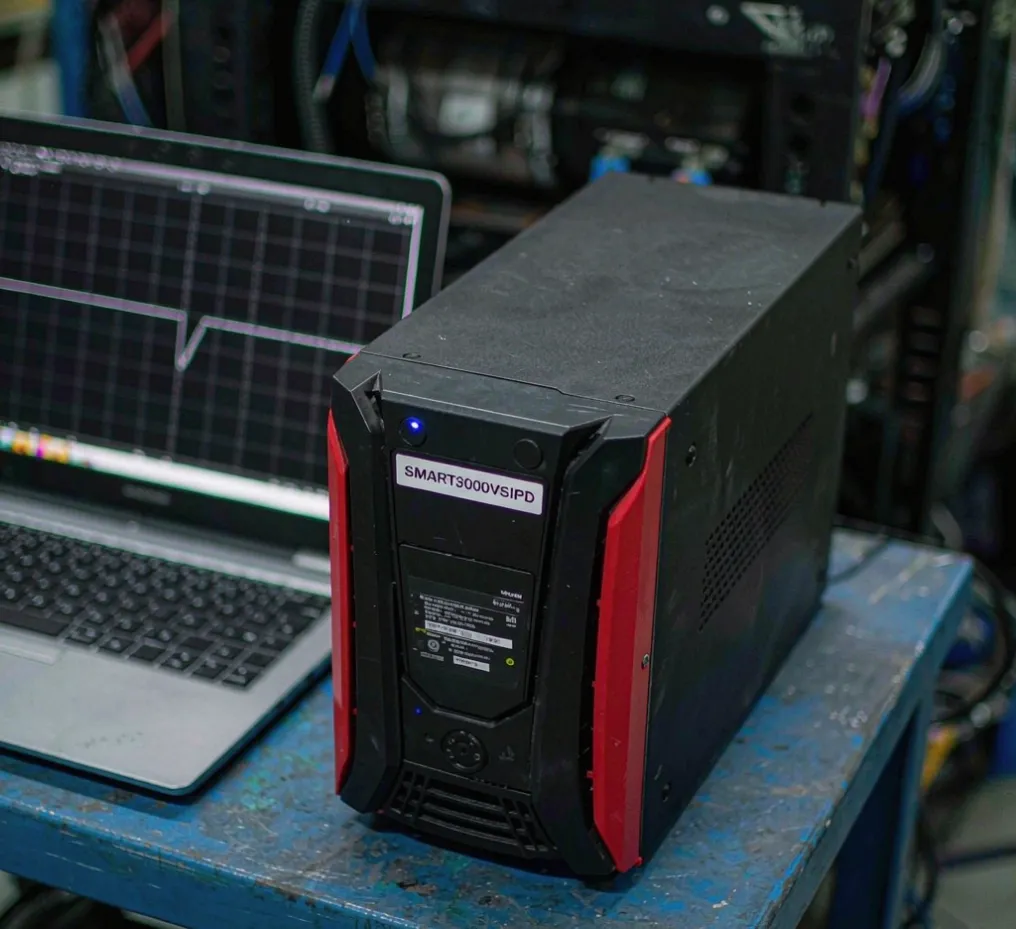
A transfer point set too tight
Some units let you set the voltage window, and a lot of them ship set aggressively. If the "go to battery" threshold is 90% of nominal, a perfectly normal 88% dip sends it to battery. That's not protection. That's a hair trigger. I've seen units transfer on every compressor cycle in the building because nobody ever touched the default setting.
Noise and frequency wander
On weak or generator-backed feeders, the frequency drifts. Cheap transfer logic treats a 0.3 Hz wander as a reason to switch. Again—not an outage, just a unit that was told to be paranoid.
Why needless transfers hurt
Here's the silent damage. Every transfer is a battery discharge event, even a short one. A VRLA battery is good for roughly 200–500 cycles over its life. Transfer fifty times a day, and you burn those cycles in a few months. The battery dies years before its calendar rating, and the first you know is the next real outage—when the UPS can't hold the load.
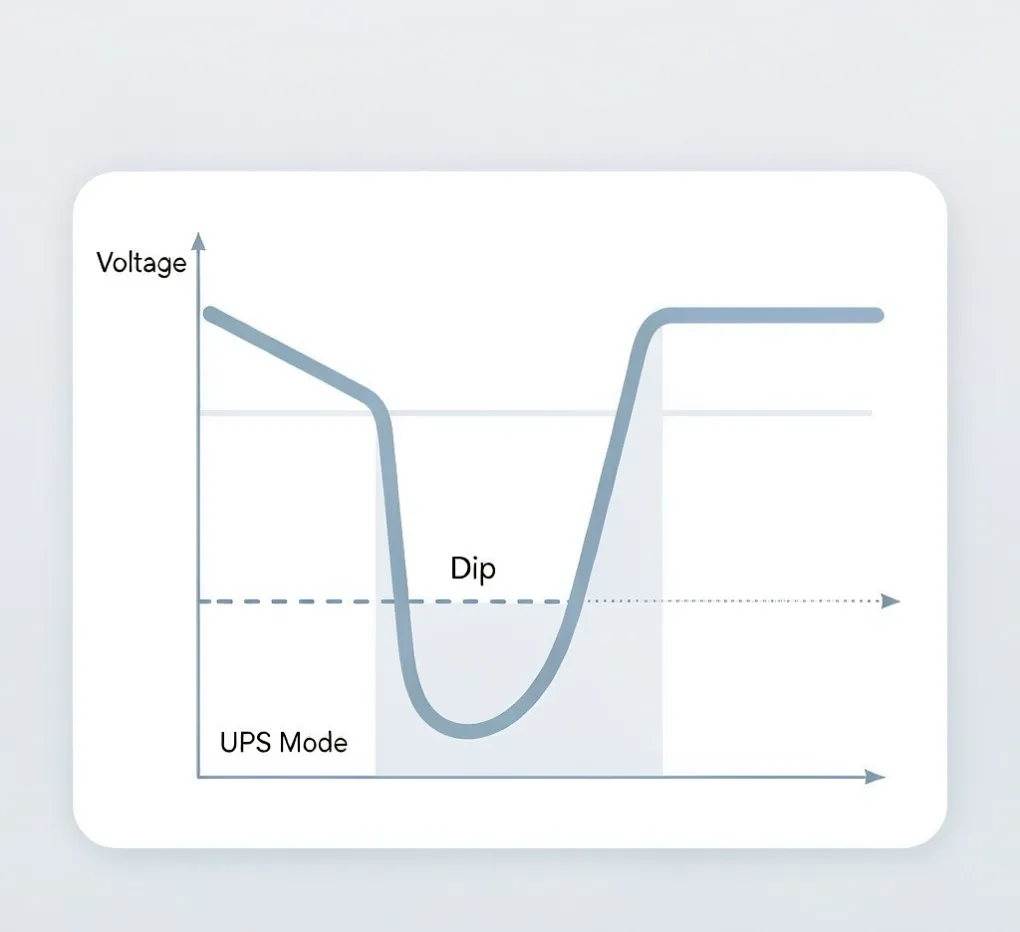
The other damage is diagnostic. A UPS that transfers constantly is a smoke alarm with the battery taped down. It's masking a power-quality problem—loose neutral, overloaded feeder, bad PF—that will eventually take out something that doesn't have a battery behind it.
Symptom, cause, fix
What you see | Likely cause | What to do |
|---|---|---|
Transfers several times a day, the load never drops. | Voltage sag from a nearby motor/load on the same feeder | Log the bus for a week; find the offending load. |
Transfers only when a specific machine starts | Starting inrush on shared panel | Separate feeders or soft start that load |
Transfers with no visible event, random times | Transfer window set too tight | Widen the voltage band per the unit's manual. |
Battery health drops fast | Repeated short discharges | Stop the needless transfers, then load-test the battery. |
Transfers on generator power | Frequency wander on the genset | Set the UPS to ride through narrow frequency drift. |
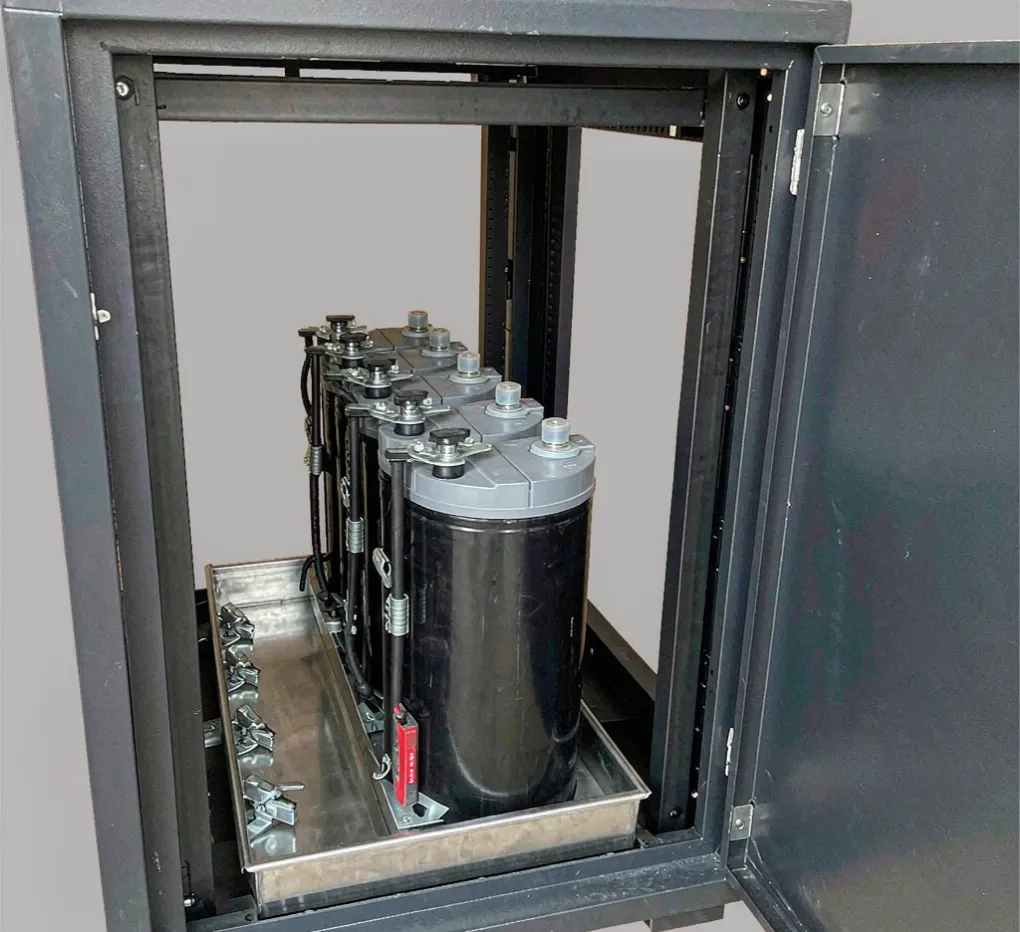
How to prove it's upstream, not the UPS
Don't guess. Rent or buy a power-quality logger—the kind that clips on the feeder and records for a week. You'll see the sags, their timing, and which machine causes them. That data does two things: it clears the UPS of blame, and it gives you the evidence to fix the real problem (a feeder upgrade, a dedicated circuit, a soft starter).
If the logger shows clean power and the UPS still transfers, then—and only then—you're looking at a unit fault or a mis-set threshold. That's the rare case.
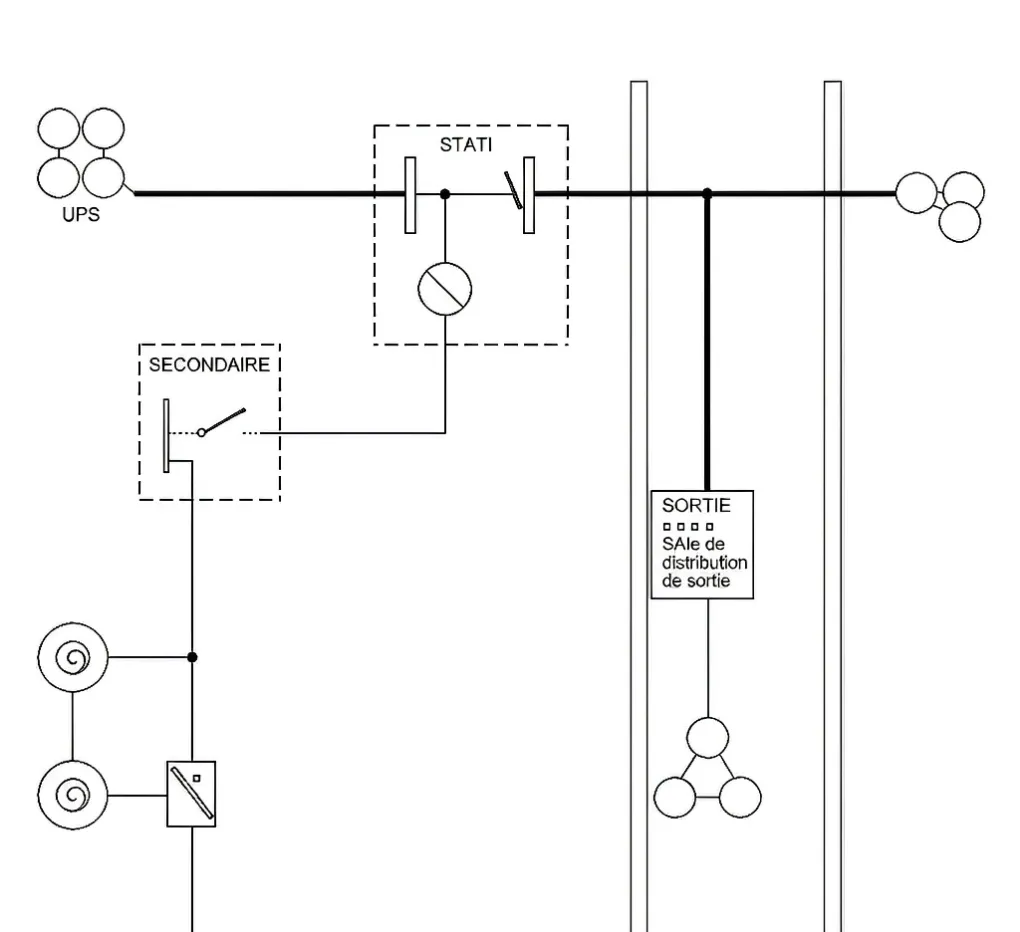
Most standards back this up. IEC 62040-3 defines UPS performance classes (VFI, VI, VO) and how transfer behavior is rated; UL 1778 is the safety standard every listed unit is built and tested to. Neither says "transfer on every 'hiccup'"—that part is configuration, and configuration is where this problem lives.
FAQ
Is it normal for a UPS to switch to battery every day?
No. Occasional transfers during storms or grid switching are normal. Several days on a calm grid means a setting is wrong or a power-quality issue upstream is being hidden.
What's the difference between a sag and an outage?
An outage is a full loss of voltage. A sag is a short dip to 10–90% of nominal, often for a fraction of a second. Your equipment may ride through a sag; a UPS usually won't, by design.
My UPS transfers, but the lights never flickered—why?
Because the dip was too brief and too small for your lights to show, but large enough to cross the UPS transfer threshold. That's exactly the scenario this article is about.
Can a too-sensitive transfer setting damage the battery? Yes. Each transfer is a discharge event. A hair-trigger setting cycles the battery dozens of times a day and shortens its life from years to months.
Should I just set my UPS to ignore small sags?
Often yes—widen the transfer band to a sensible range. But do it after you've logged the bus, so you're not ignoring a sag that's actually hurting other equipment.
How do I prove the problem is upstream and not the UPS?
A power-quality logger on the feeder for a week. It shows the sags, their timing, and the culprit load. No logger, no conclusion—guessing wastes the battery and the real fix.
Engineering takeaway
A UPS that transfers on a calm day is a symptom, not a fault. Log the feeder, widen a hair-trigger setting, and you'll stop burning the battery while you fix the real problem upstream. When you're ready to spec the transfer behavior to your site instead of the factory default, upload your drawing for an engineering review.
Related guides
If you're scoping the whole power train, our electrical enclosure sourcing guide and the industrial UPS systems overview cover where the UPS fits in the cabinet.