
Oct 30, 2026Buying Guides
UPS Topology Comparison: Online Double-Conversion vs Line-Interactive vs Standby
Online vs line-interactive vs standby UPS: transfer time, efficiency, and cost compared. Pick the topology that actually keeps your control panel alive during a
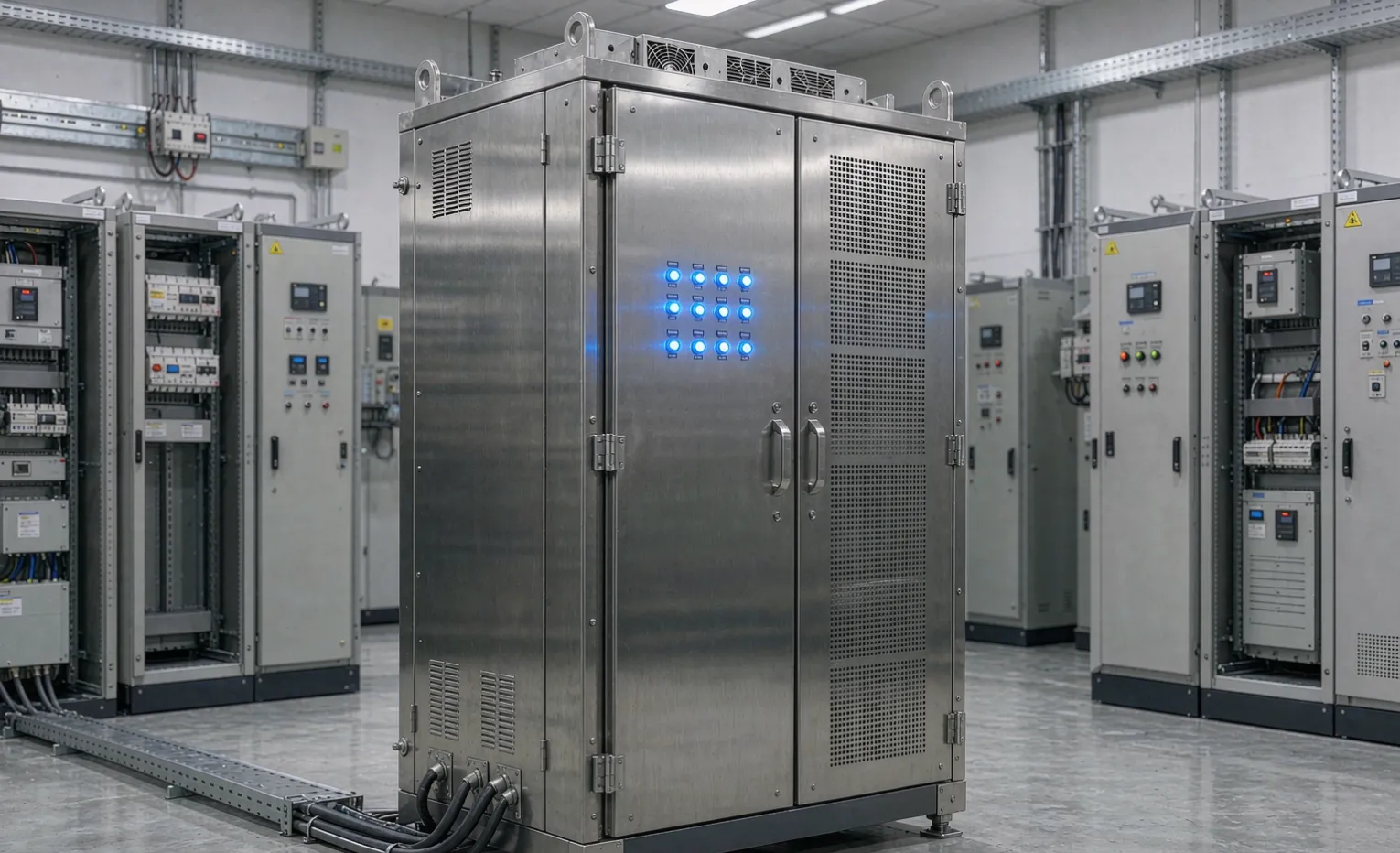
UPS Topology Comparison: Online Double-Conversion vs. Line-Interactive vs. Standby
When the grid sags for half a cycle, your control panel does not care about the brand printed on the UPS—it cares about what happens in the next eight milliseconds. In our 2026 ranking of the leading industrial UPS brands, topology was the single specification that separated the units worth specifying from the ones that only look cheaper on paper. This guide is the engineering deep-dive behind that ranking: what each topology actually does to your power, where it protects you, and where it quietly costs you money.
If you are sourcing a UPS for a PLC panel, a VFD drive, or a remote RTU skid, the topology decision drives everything else—runtime, heat, and whether a brownout becomes a hard shutdown. Read this before you request a quote.
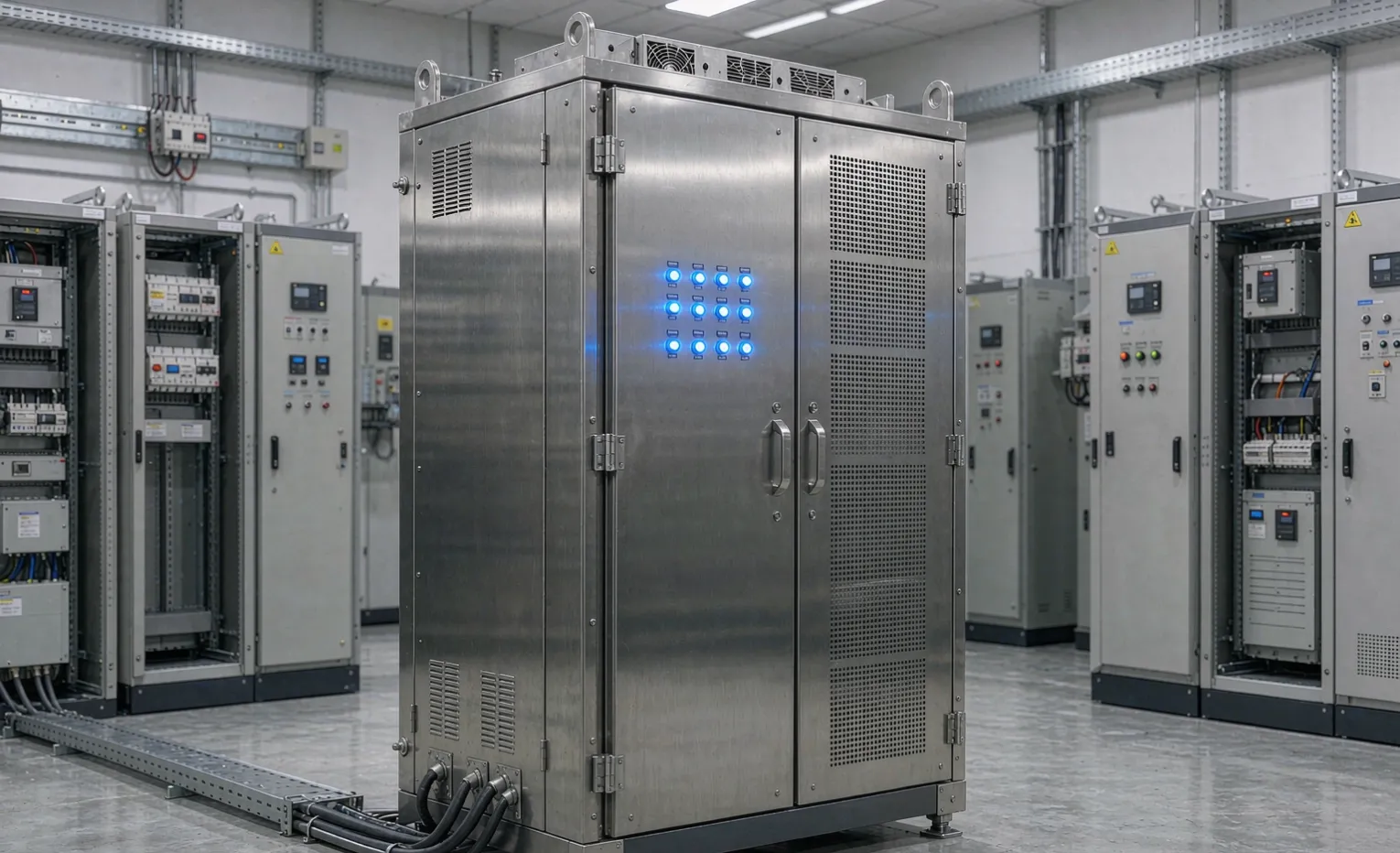
What does "topology" mean for your control panel?
Topology is the path your electricity takes through the UPS. Every UPS sits between the raw utility feed and your load. What it does with that power—how often it touches it, how fast it reacts, how much of it it throws away as heat—is the topology.
Three topologies dominate the industrial market:
- Online double-conversion—the load is always running on inverter-produced power.
- Line-interactive—the load normally runs on raw utility power, with a buck-boost transformer trimming the voltage.
- Standby (offline)—the load runs straight on the wall until the power fails, then switches to battery.
The difference is not marketing. It is the difference between a panel that rides through a voltage notch and a panel that reboots.
Buyer Decision: Stop asking "how many minutes of battery?" first. Ask "what happens to my load during the eight milliseconds before the battery engages?" That answer is the topology.
The three topologies at a glance
Attribute | Online double-conversion | Line-interactive | Standby / offline |
|---|---|---|---|
Power path to load | Always inverter | Mostly utility, buck-boost trimmed | Utility until failure |
Transfer to battery | 0 ms (already on inverter) | 2–10 ms | 4–12 ms |
Voltage regulation | Continuous, tight | Buck-boost steps only | None until the switch |
Typical efficiency | 90–96% | 95–98% | 96–98% |
Heat rejected in cabinet | Highest | Low | Lowest |
Relative cost (same VA) | Highest | Mid | Lowest |
Best fit | Critical PLC / VFD / medical | Small offices, non-critical | Desktop IT, never panels |
Read the "transfer to battery" row again. That number is the whole argument.
How online double-conversion actually works
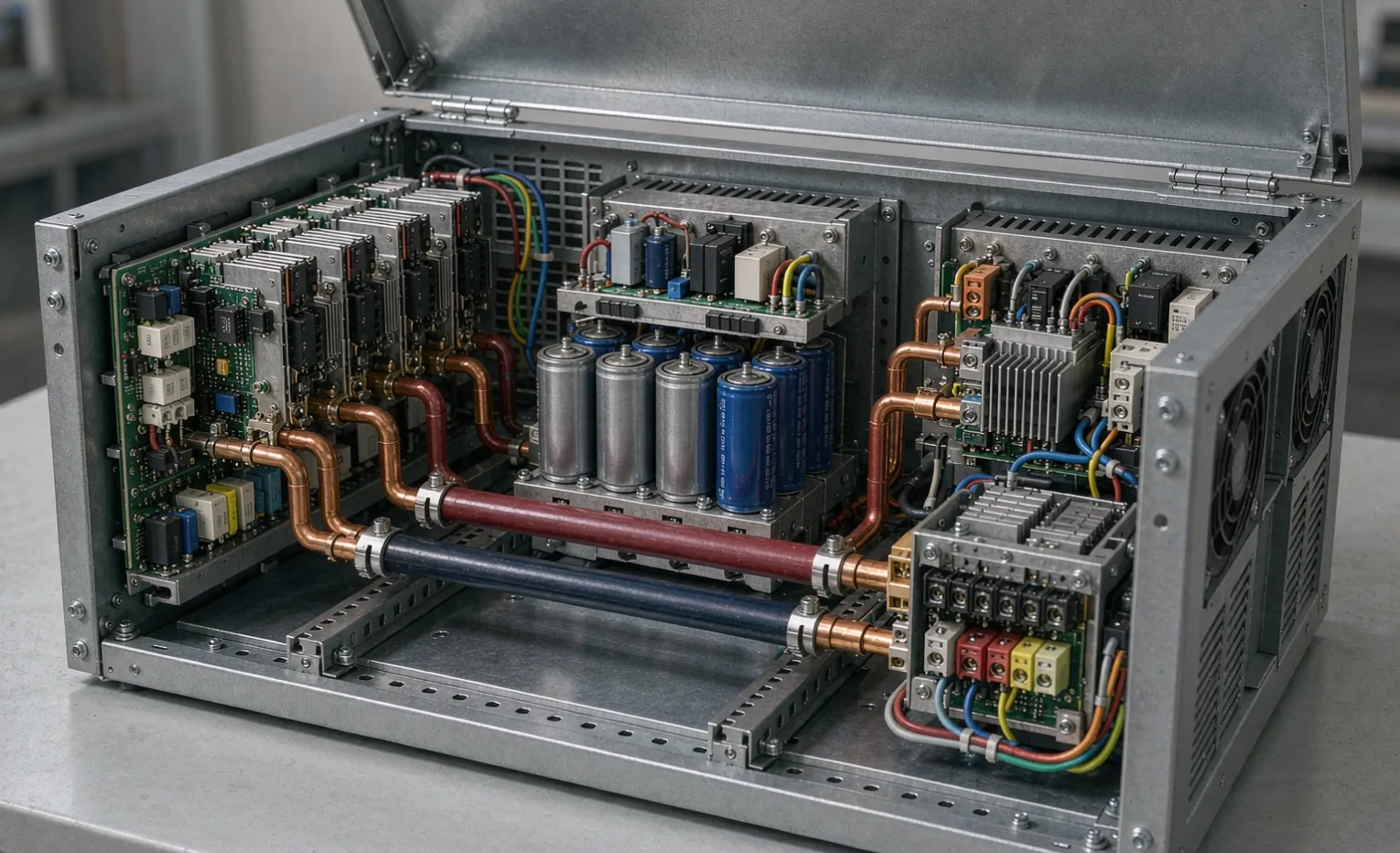
In an online unit, the incoming AC is first converted to DC by a rectifier, then converted back to clean AC by an inverter—every single watt, all the time. The battery floats on the DC bus. When the wall dies, the inverter simply stops drawing from the rectifier and draws from the battery. There is no switch, because the load was never on the wall to begin with.
That is why online double-conversion shows "0 ms transfer time." The load never sees the outage.
Engineering Note: Because the inverter runs continuously, an online UPS rejects almost all incoming distortion — sags, swells, harmonics, frequency drift. If your site has dirty power (generators, nearby VFDs, weak rural feed), this is often the only topology that holds.
The cost is heat. A 10 kVA online unit at 94% efficiency sheds roughly 600 W as heat inside your enclosure. In a sealed IP65 / NEMA 4X cabinet with no forced ventilation, that heat has nowhere to go. Plan the thermal budget before you size the UPS, not after.
How line-interactive works
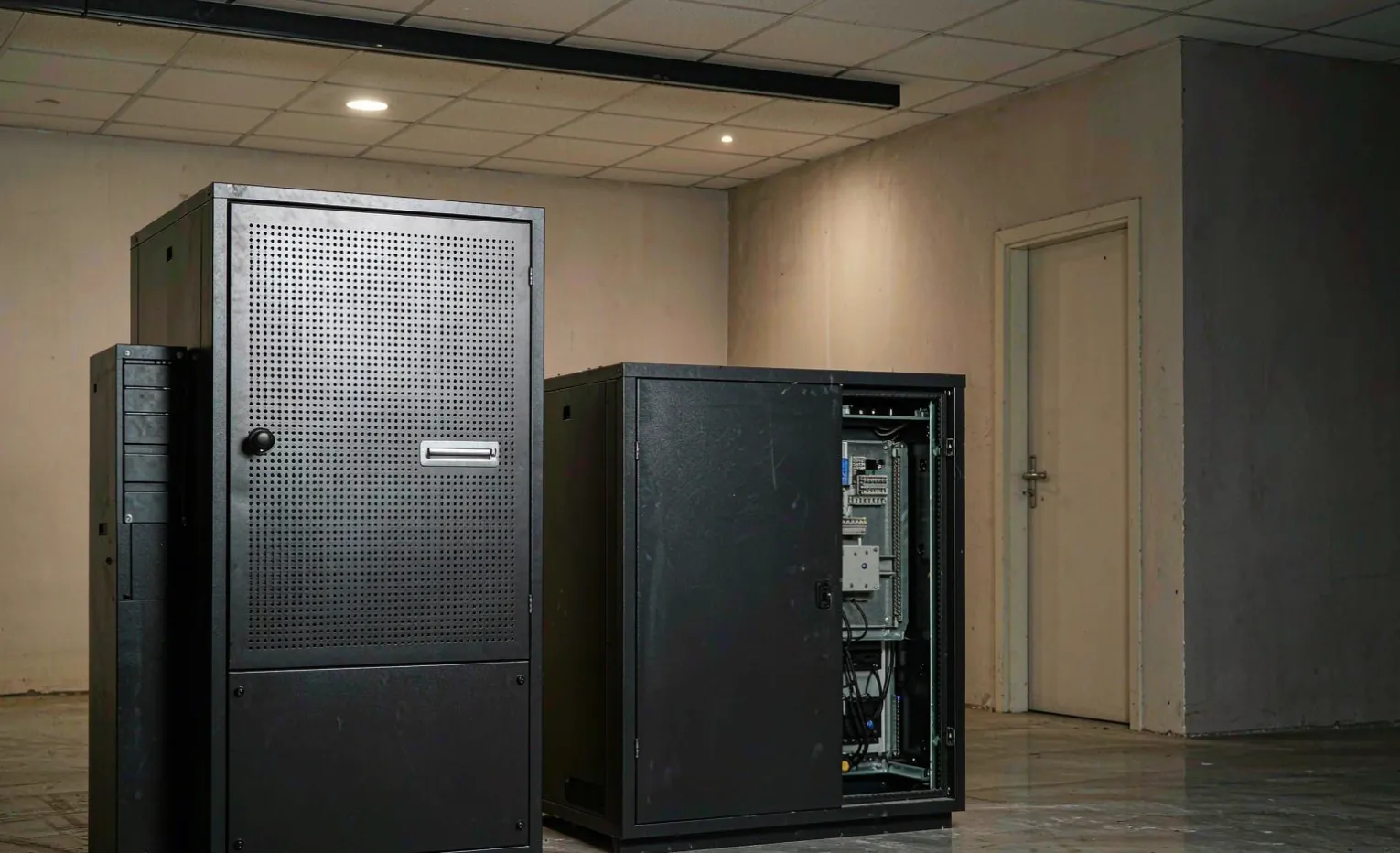
A line-interactive UPS normally passes utility power straight through but watches the voltage. When the line drifts high or low, an automatic voltage regulator (usually a buck-boost transformer or tapped inductor) nudges it back into range without draining the battery. Only on a real outage does it flip to inverter mode.
This gives you decent sag protection with much better efficiency and far less heat than an online unit. The catch is the transfer time: 2–10 ms when it does switch to battery. Most PLCs and VFDs tolerate that. Some servo drives and high-speed processors do not.
Line-interactive is the pragmatic middle. For a non-critical auxiliary panel or a small building-management loop, it is often the right answer. For the panel that runs your process, it is a coin flip you should not toss.
How standby (offline) works
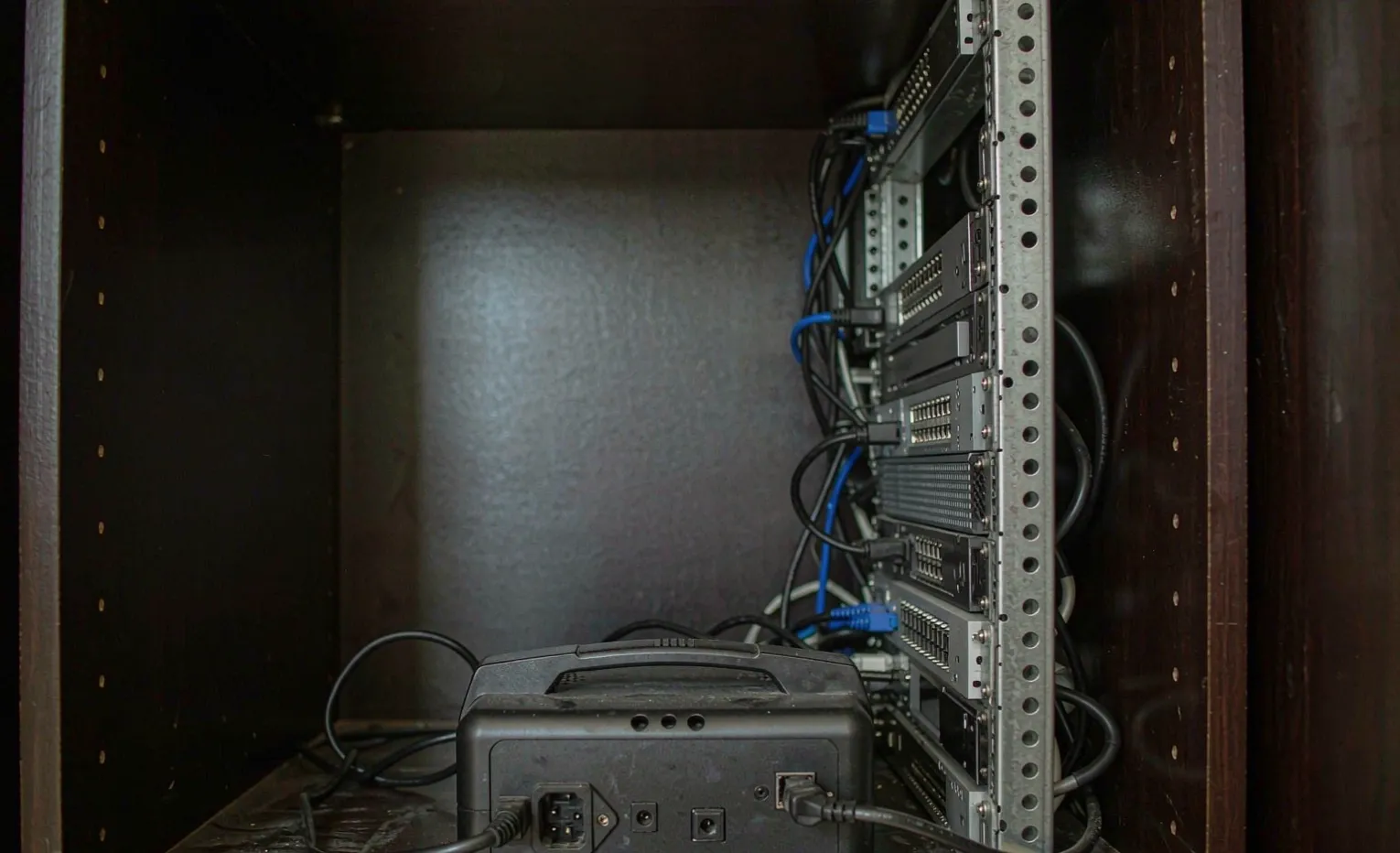
A standby UPS is the cheapest design and the simplest: the load sits directly on the utility line. On a failure, a relay flips the load onto the inverter within 4–12 ms.
That switch is the problem. Twelve milliseconds is an eternity for a control system mid-scan. Standby units also provide zero voltage regulation beforehand—your panel eats every sag until the moment the wall dies.
We do not specify standby topology for control panels. It belongs behind an office PC, not an automation cabinet. If a vendor quotes you a standby UPS for a PLC panel, that is a signal they are treating your process like a desktop.
Transfer time—the number that decides survival
Load type | Tolerates 4–12 ms switch? | Recommended topology |
|---|---|---|
General-purpose PLC (slow I/O) | Usually | Line-interactive or online |
High-speed servo/motion | Rarely | Online double-conversion |
VFD with DC bus | Depends on bus capacitance | Online (or DC-ups on bus) |
SCADA / RTU at remote site | No second chance | Online double-conversion |
Operator HMI / thin client | Often | Line-interactive |
The pattern is clear: the faster and more precise the load, the less tolerance it has for a transfer gap. An online topology removes the gap entirely. Performance classes for these transfer behaviors are defined in IEC 62040 (IEC).
Engineering Note: Do not trust a quoted "transfer time" without asking under what load and what source distortion. A clean sine from a lab source and a notched waveform from a shared transformer are different tests. Spec the topology for your worst real-world feed, not the vendor's best-case bench.
Efficiency and heat: the hidden cost
Efficiency looks like a virtue until you do the thermal math. A line-interactive 5 kVA unit at 97% wastes ~150 W. An online 5 kVA at 92% wastes ~430 W. Inside a sealed enclosure, that 280 W difference is the difference between a cabinet that needs active cooling and one that does not.
This is why we rarely put a large online UPS inside the same IP65 / NEMA 4X enclosure as the controls. When the application allows, we mount the UPS in a ventilated section or a separate cabinet, or select a unit with its own controlled airflow. The goal is a panel that survives both the power outage and the Tuesday afternoon heat soak.
Real-world facts: we build enclosures to be carbon steel, 304 or 316 stainless, or hot-dip galvanized—we do not build in aluminum, because it does not meet the corrosion and EMC expectations of the sites our buyers run. Ingress is IP65 / NEMA 4X for outdoor and washdown duty; those ingress ratings follow the NEMA enclosure standard (NEMA). For UL-required projects, we source from a UL-listed build shop per order rather than assuming a generic certificate.
Bypass and maintenance
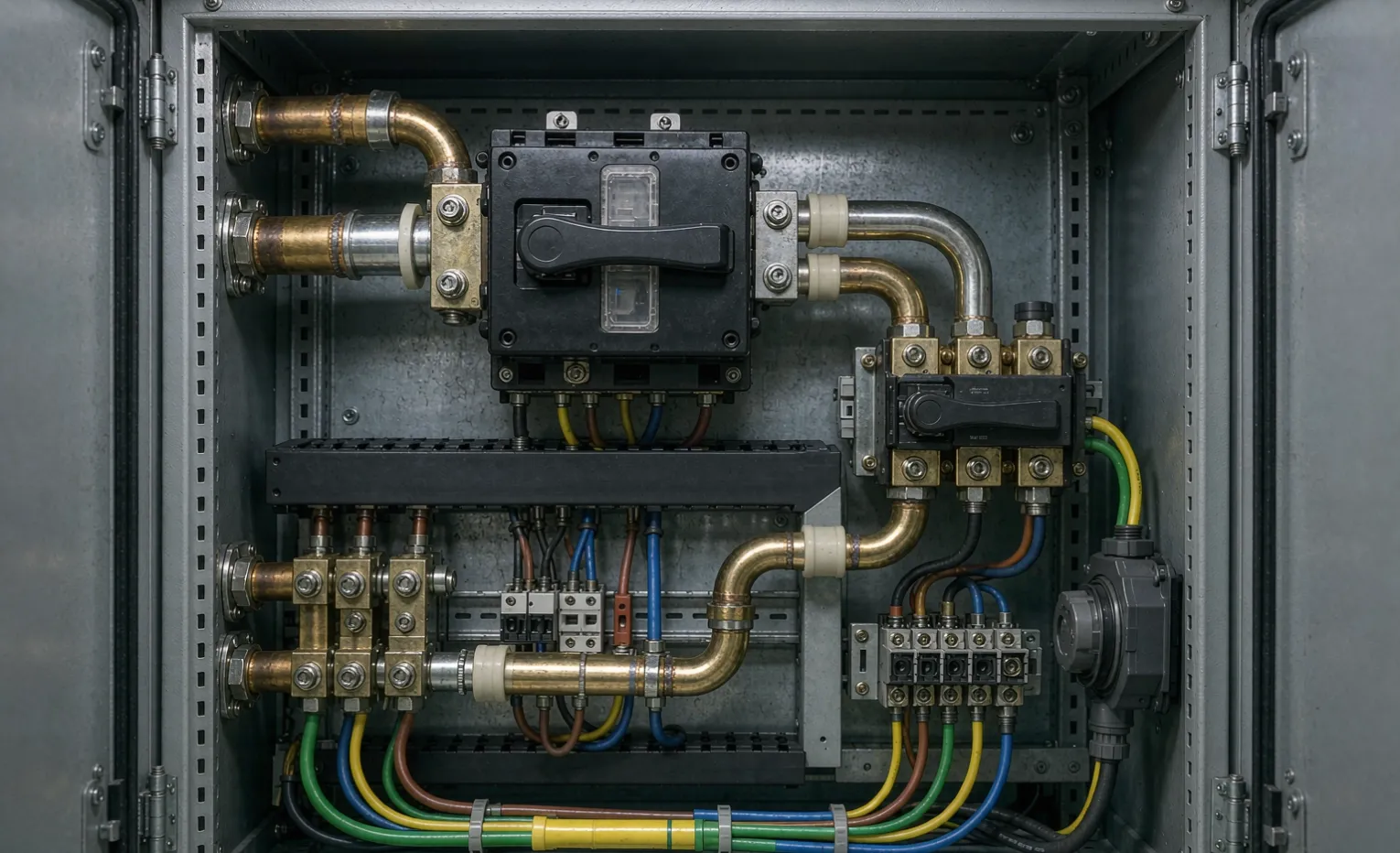
Whatever topology you choose, you need a bypass path. A static bypass automatically shunts the load to utility power if the inverter faults—so a UPS failure does not become a process failure. A maintenance bypass (manual) lets a technician take the UPS offline for service without dropping the load.
We treat both as non-negotiable on any online unit feeding a critical panel. A UPS with no bypass is a single point of failure wearing a green LED. Bypass and isolation design for these units is governed by safety standards such as UL 1778 (UL).
Buyer Decision: Ask the vendor two questions: "What happens to my load if the inverter fails?" and "Can I service it without shutting down the line?" If the answers are not "automatic bypass" and "yes, maintenance bypass," keep looking.
Matching topology to your load
When online double-conversion is the only right answer
Any load where a transfer gap is unacceptable: high-speed servo, precision measurement, medical-adjacent process, or a remote site with no technician and one shot to stay up. If a reboot costs you a batch, specify online.
When is line-interactive enough?
Building automation, non-critical auxiliary loops, and small pump controls where a brief blip is tolerated. You trade a little protection for lower heat and lower cost—a fair trade when the load agrees.
When standby is a false economy
Almost never for automation. The upfront saving is real; the risk it buys is not. We flag any panel spec that lands a standby UPS on a control system as a design error to correct before build.
How we source and integrate UPS into panels
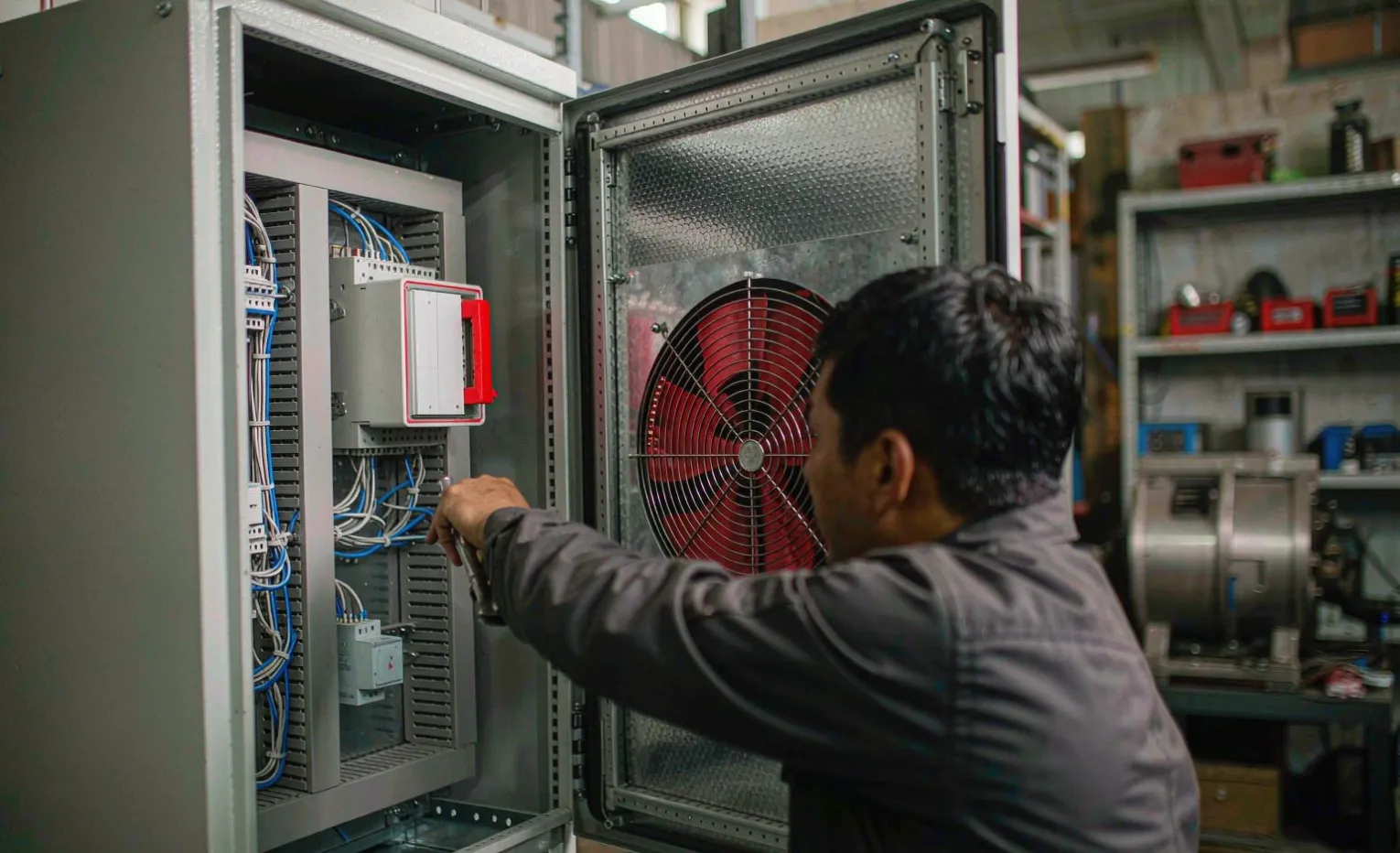
As a sourcing partner and panel-build service, we do not make UPS units—we select, mount, and integrate them into the enclosure your process needs. That changes the conversation from "which box" to "which topology, in which cabinet, with what bypass."
What that means in practice:
- Enclosure lead time: custom cabinets run a 5-unit minimum order, about 15 days to build. Component-level items—the UPS module, breakers, a Mitsubishi or Siemens PLC, and ABB drives—typically ship in 3–5 days from our multi-supplier pool.
- Topology first: we start from your load's transfer tolerance, then pick the UPS, not the other way around.
- Integration, not a pile of parts: the UPS is mounted, wired to a maintained bypass, labelled, and FAT-checked (acceptance test) before it leaves Foshan.
- Documentation: you receive the as-built drawing, the bill of materials, and the test record—the same packet our buyers use to self-verify the panel will start up on site.
If you already have a UPS brand in mind from a shortlist, send the model. We will tell you whether its topology fits your load or whether a different topology (in the same enclosure) would keep you running through the event you are actually worried about.
Common mistakes buyers make
Engineering Note: The three errors we see most: 1. Sizing runtime before sizing topology — a 30-minute standby unit that reboots your servo on every sag protects nothing. 2. Ignoring heat — an online UPS in a sealed cabinet without thermal planning cooks the very electronics it was meant to protect. 3. No bypass — a single inverter failure takes the whole line down because nobody specified the shunt path.
Engineering Takeaway
Topology is the decision that decides whether your UPS protects your panel or just decorates it. Online double-conversion eliminates the transfer gap and rejects dirty power, at the cost of heat and price—right for critical loads. Line-interactive trims sags efficiently for tolerant loads. Standby belongs on desktops, not automation cabinets. Match the topology to your load's transfer tolerance, plan the heat, and demand a bypass. Everything else—brand, runtime, color—comes after.
For the broader shortlist and how the leading units stack up on topology, see our 2026 industrial UPS brand ranking. And if you want the topology picked for your panel rather than in the abstract, upload your drawing and we will review it.
Frequently asked questions
Q1: Is online double-conversion always better than line-interactive? Not always. "Better" depends on your load's transfer tolerance and your cabinet's heat budget. Online eliminates the switch gap and rejects dirty power but runs hotter and costs more. For a tolerant auxiliary loop, line-interactive is the smarter buy. For a critical process, online wins.
Q2: My VFD has a DC bus—do I still need an AC UPS with double conversion? Sometimes a DC-UPS feeding the VFD's DC bus is more efficient than an AC online UPS. But if the VFD's control supply or the upstream PLC also needs protection, an AC online UPS at the panel is simpler and covers more of the system. We decide based on what else shares the cabinet.
Q3: Why does an online UPS run so hot, and what do I do about it?
Because the inverter is always on, converting power continuously. In a sealed IP65 / NEMA 4X enclosure that heats up. Options: a separately ventilated section, a larger enclosure with planned airflow, or a unit with its own cooling. Never size the UPS in isolation from the thermal load.
Q4: What does "static bypass" actually protect against?
If the inverter fails or overloads, the static bypass instantly shunts your load to raw utility power. Without it, an inverter fault drops the load. With it, a UPS failure degrades you to "unprotected but running" instead of "shut down."
Q5: Can I use a cheap office UPS on a control panel to save money?
We advise against it. Office units use standby topology with a 4–12 ms transfer and no voltage regulation—fine for a PC, risky for a PLC mid-scan. The saving up front is small against one unplanned reboot of your process.
Q6: How long does it take to get a panel with an integrated UPS?
Component-level UPS modules and controls typically ship in 3–5 days from our supplier pool. A custom enclosure with the UPS built in runs a 5-unit minimum and about 15 days to build, then FAT before dispatch. Send your drawing and we will give you a firm date.
Related guides
Get a tuned recommendation for your panel.
You do not need to decode topologies alone. Upload your panel drawing → we run an engineering review → you receive a written suggestion on the right UPS topology, bypass arrangement, and enclosure for your load.
We are a sourcing partner and panel-build service, not one of the UPS brands ranked above. Our interest is the correct topology inside the enclosure your process actually runs in.
For the full sourcing picture across enclosures, control panels, and UPS, start with our industrial enclosure sourcing guide, and talk to us about a built panel through our industrial UPS systems solution.