
Oct 28, 2026Integration & Compatibility
How to Add a UPS to a Control Panel
Three ways to fit a UPS in a control panel—DIN-rail, rack, or tower—plus the topology and heat rules that decide whether your backup power actually holds
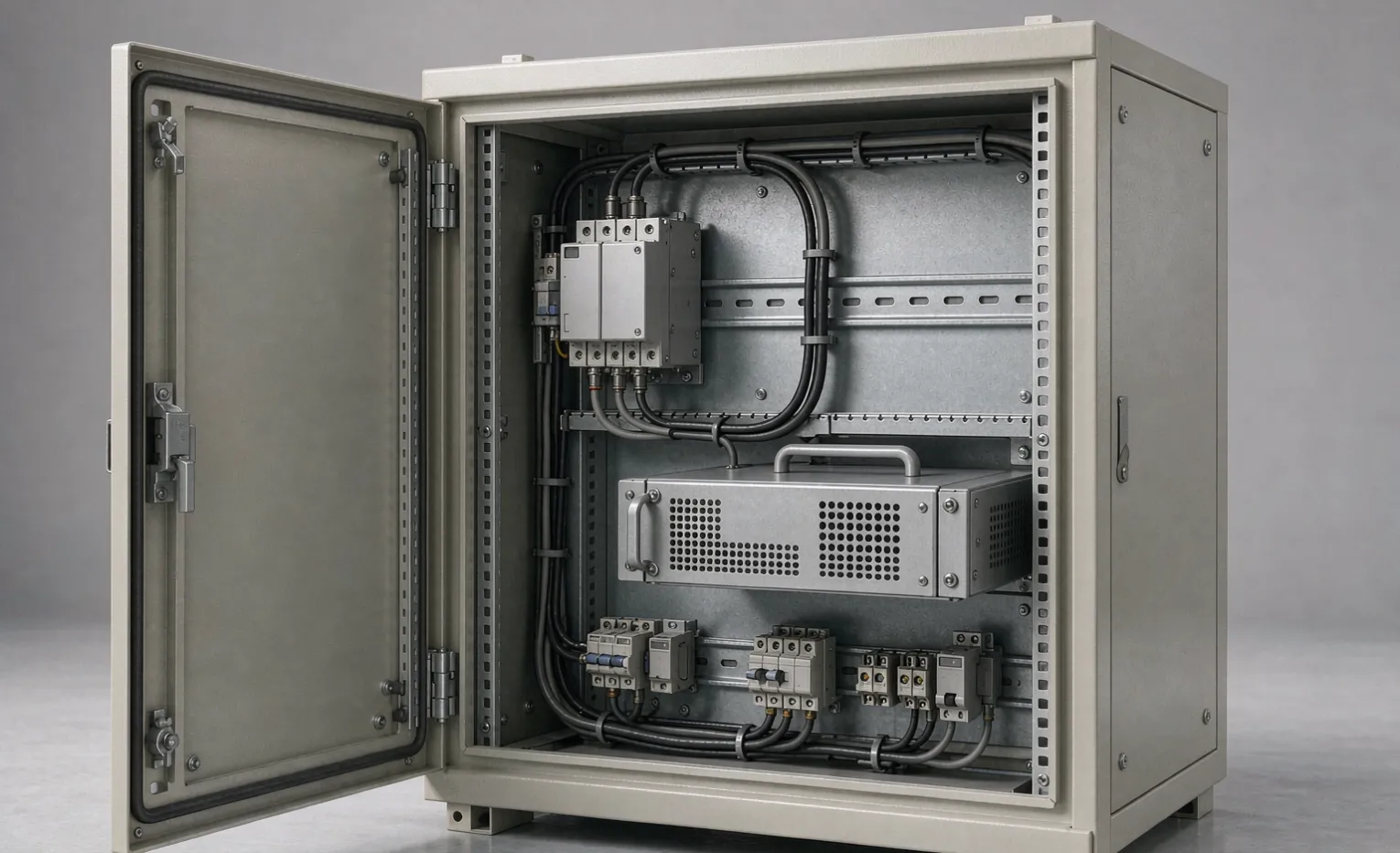
How to Add a UPS to a Control Panel
A control panel normally dies the moment the mains drop. If the load behind it is a PLC, a VFD, a SCADA node, or a safety controller, that outage means a process trip, lost setpoints, or a comms blackout that takes an hour to clear. A UPS inside the panel keeps the critical loads alive through the blink, the transfer to the generator, or a controlled shutdown.
This guide covers the three physical ways to fit a UPS in a panel, the topology choice that decides whether it actually protects your load, and the heat and space rules that kill most panel-mounted installs. One core idea: back up the critical loads, size the topology to what sits on the output, and treat heat as the primary failure mode—not the battery.
Do you need the UPS in the panel or elsewhere?
Put the UPS in the panel only when it earns its space:
- Back up part of the panel. Only the PLC, HMI, and comms are critical; the contactors and drives can drop. A panel UPS lets you protect just those loads.
- The panel is remote or outdoor. No shared building UPS reaches it.
- You need the backup to survive a branch trip or an open door. A room UPS on the same feeder does not help if the panel's own branch breaker opens.
If the whole panel can ride a building or room UPS on the same feeder, don't crowd the panel—keep the UPS where it stays cool.
If a standby generator backs the site, size the UPS runtime for the generator transfer window plus margin—typically 10–30 seconds for a soft transfer, longer if the generator must spin up. The UPS only bridges that window, not runs the load for an hour. Rule of thumb: back up the loads, not the panel.
Three mounting styles—and which one fits
Mounting style | Load range | Space cost | Heat load | Best when |
|---|---|---|---|---|
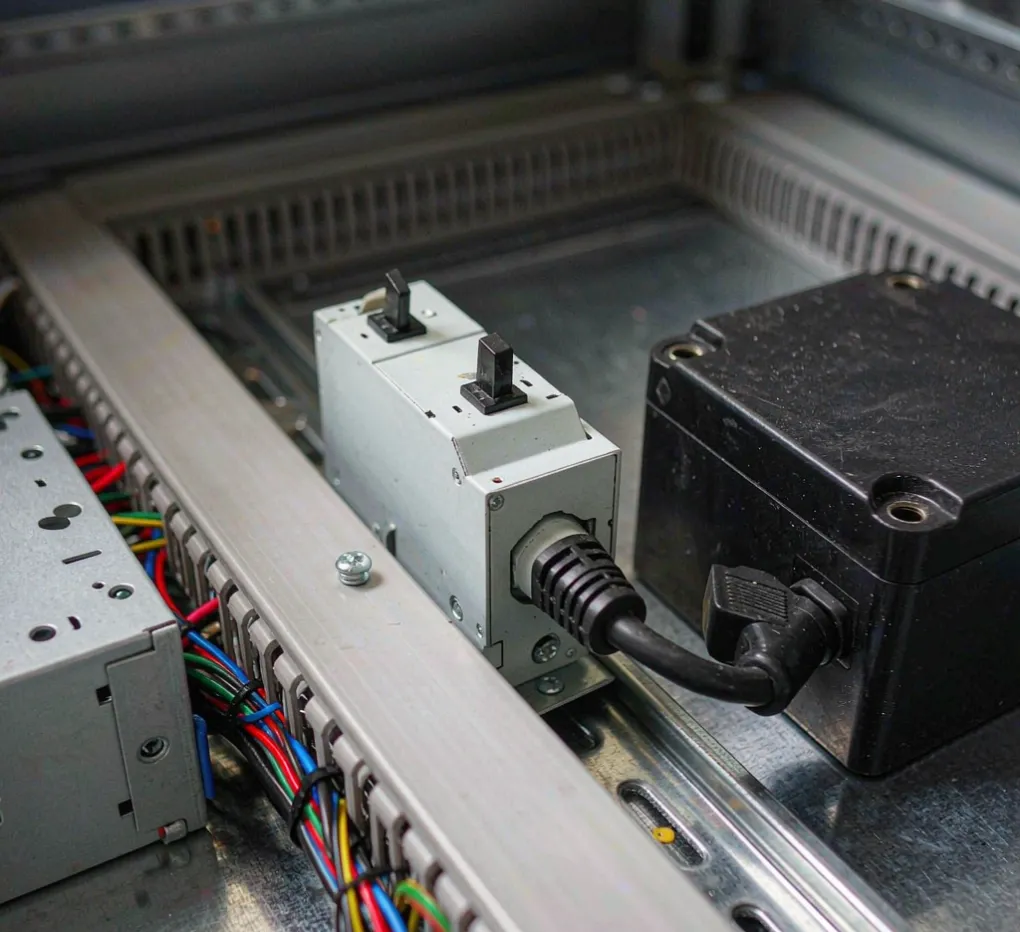
DIN-rail UPS | 100 W – 1 kW | Low (clips on rail) | Low–medium | PLC / HMI / comms in a tight panel; needs an external battery module |
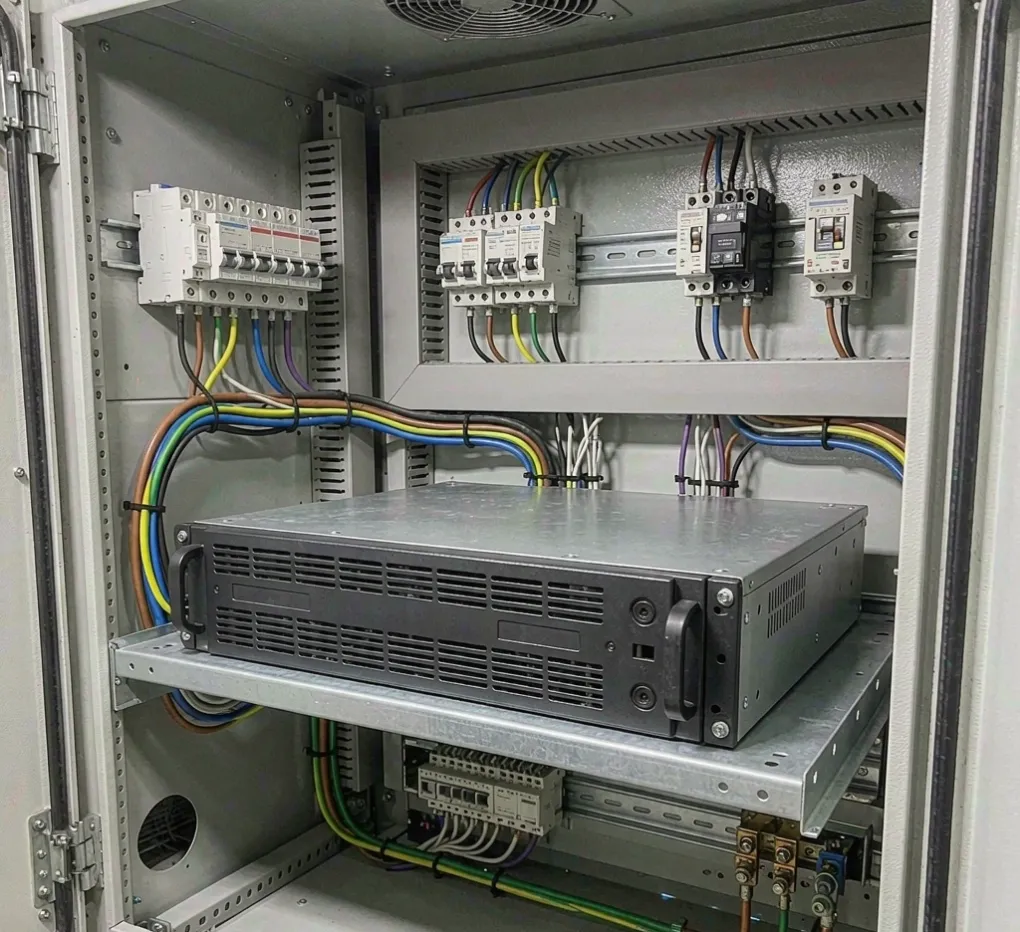
Rack or tower UPS in panel | 0.5 – 3 kW | High (shelf or cutout) | Medium–high | A panel with a "mini-cabinet" section; easier battery swap |
Separate tower UPS feeding the panel | 0.5 kW+ | None in panel | Zero in panel | Heat is the constraint; the panel is sealed (IP65 / NEMA 4X). |
DIN rail is the default for control-only loads. Step up to rack or tower when the load exceeds ~1 kW or when you want field-swappable batteries without opening the panel.
Topology—the decision that actually matters
- Line-interactive. Handles sags and brownouts, then steps in on a full outage. Fine for PLCs, HMIs, comms, and general controls. Lower cost.
- Online double-conversion. Always regenerates a clean sine wave with zero transfer time. Required when the load on the UPS output is a VFD, a servo, or anything that faults on the few-millisecond transfer gap—and it isolates the load from dirty site power.
- Offline / standby. Do not use it in a panel. The transfer gap trips drive.
Hard rule: if a VFD or servo sits on the UPS output, specify online double-conversion. Otherwise, line-interactive is usually enough.
The inrush trap in sizing
A UPS is rated in VA/W for steady load, but a VFD or contactor coil draws 3–8× its running current for milliseconds. Line-interactive units often cannot bridge that; online units with a strong overload rating can. Size the UPS for the load's running VA plus inrush headroom, not the branch breaker amp rating. For the full capacity calculation, see our UPS sizing checklist for control panels.
Heat and space are the two killers
A UPS in a sealed panel cooks its own batteries. Follow these rules:
- Do not mount it above a VFD, transformer, or other heat source.
- If the panel is IP65 / NEMA 4X, the UPS breathes the same sealed air—add a small filtered fan or spend the panel's cooling budget on it.
- Derate battery life by roughly half for every ~10 °C above 25 °C.
- Leave at least 50 mm of clearance front and back.
Most field failures of panel-mounted UPS are thermal, not electrical.
Wiring it so it works
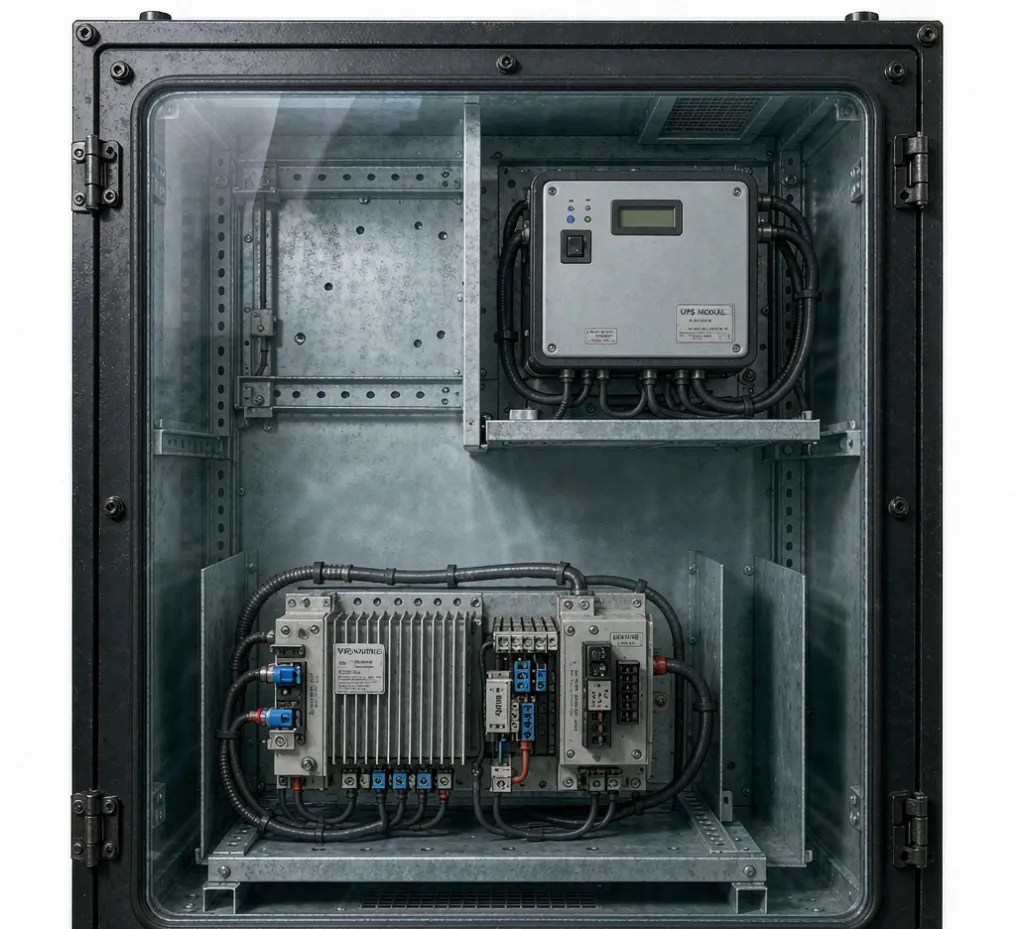
- Input: panel mains, upstream of the critical branch.
- Output: only the critical loads (PLC, HMI, comms, safety)—never contactors or motors.
- Bypass: Keep a maintenance bypass so the UPS can be swapped without dropping the load.
- Neutral: online units need a solid neutral; confirm the panel provides one.
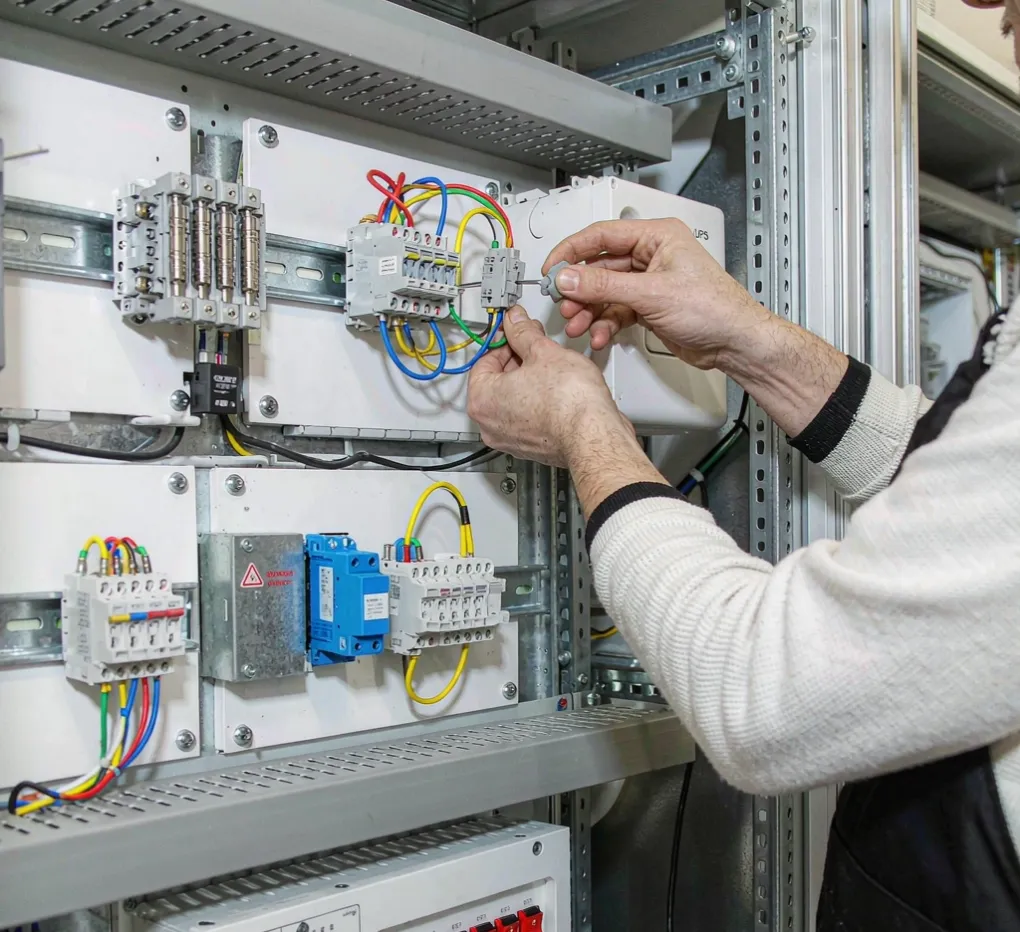
What to put in the RFQ
Give suppliers the same scope so you get a comparable quote instead of three different bids:
- Critical load list, running VA, and inrush (or just name the drive model).
- Required backup minutes at that load.
- Topology: line-interactive or online double-conversion—state which.
- Mounting style: DIN-rail, rack, or tower.
- Environment: panel IP rating, ambient temperature, indoor or outdoor.
- Integration: do you want the UPS pre-wired inside the panel or loose for field fit?
As a sourcing partner, we build and integrate the UPS into the enclosure with wiring and bypass done—one panel, one acceptance test, and one quote.
What drives the quote?
Four variables explain most of the gap between two quotes:
- Topology. Online double-conversion costs more than line-interactive—you pay for clean output and zero transfer time.
- Battery chemistry. Lithium lasts longer and handles heat better but costs more up front than VRLA.
- Integration. A UPS pre-wired into the panel (one acceptance test, one shipment) costs less in total than loose hardware plus field labor.
- Certification and environment. UL-listed units and wide-temperature ratings add cost but are often required.
Give the supplier the same scope from the RFQ list above, and these four variables account for nearly all of the price difference.
FAQ
Can I use a regular office UPS in a control panel? No. Office units are not rated for industrial temperature or vibration, they lack UL 1778, and their batteries die fast in panel heat. Use an industrial-grade unit.
How many minutes of backup do I need? Enough to ride the blink (under a minute) or to reach generator power or a controlled shutdown (5–15 minutes). Size to the event, not to a round number. As a rule of thumb, a 500 W control load on a 1000 VA UPS runs roughly 10–20 minutes when the load draws near the unit's rated capacity—enough for a transfer or a clean stop.
DIN-rail or rack UPS—which should I pick? DIN-rail for loads up to about 1 kW in tight panels; rack or tower when the load is larger or you want easier battery replacement.
Lithium or VRLA battery in a panel? Lithium survives heat better and lasts longer but costs more and needs transport documentation; VRLA is the standard choice. The trade-off is covered in our industrial UPS battery guide.
Does a UPS protect against a VFD fault? Only if the VFD sits on the output of an online double-conversion unit. On a line-interactive or offline unit, the transfer gap can trip the drive.
What is the difference between UL 1778 and UL 508A? UL 1778 is the safety standard for the UPS itself; UL 508A is the standard for the industrial control panel. Both can apply to one integrated panel.
Engineering takeaway
Put the UPS on the critical loads only, choose topology by what is on the output (VFD or servo → online double-conversion), and treat heat as the primary failure mode. Get those three right and the backup power will hold when the line drops.
Related guides: - Industrial UPS Solutions - UPS Sizing Checklist for Control Panels - Industrial UPS Buying Guide - Modular UPS Systems Guide - Industrial UPS Battery Selection: VRLA vs Lithium - How to Choose an Industrial UPS System - Control Panel Buying Guide
Ready to specify a panel with integrated backup power? Contact our team with your critical load list and environment, and we will return a comparable quote.