
Oct 20, 2026
How to Monitor Your Industrial UPS: SNMP, Dry Contacts, and What Actually Matters
A plain-English guide to UPS monitoring: SNMP cards, dry contacts, and Modbus — and how to pick the alarm set that matches your BMS before you buy.
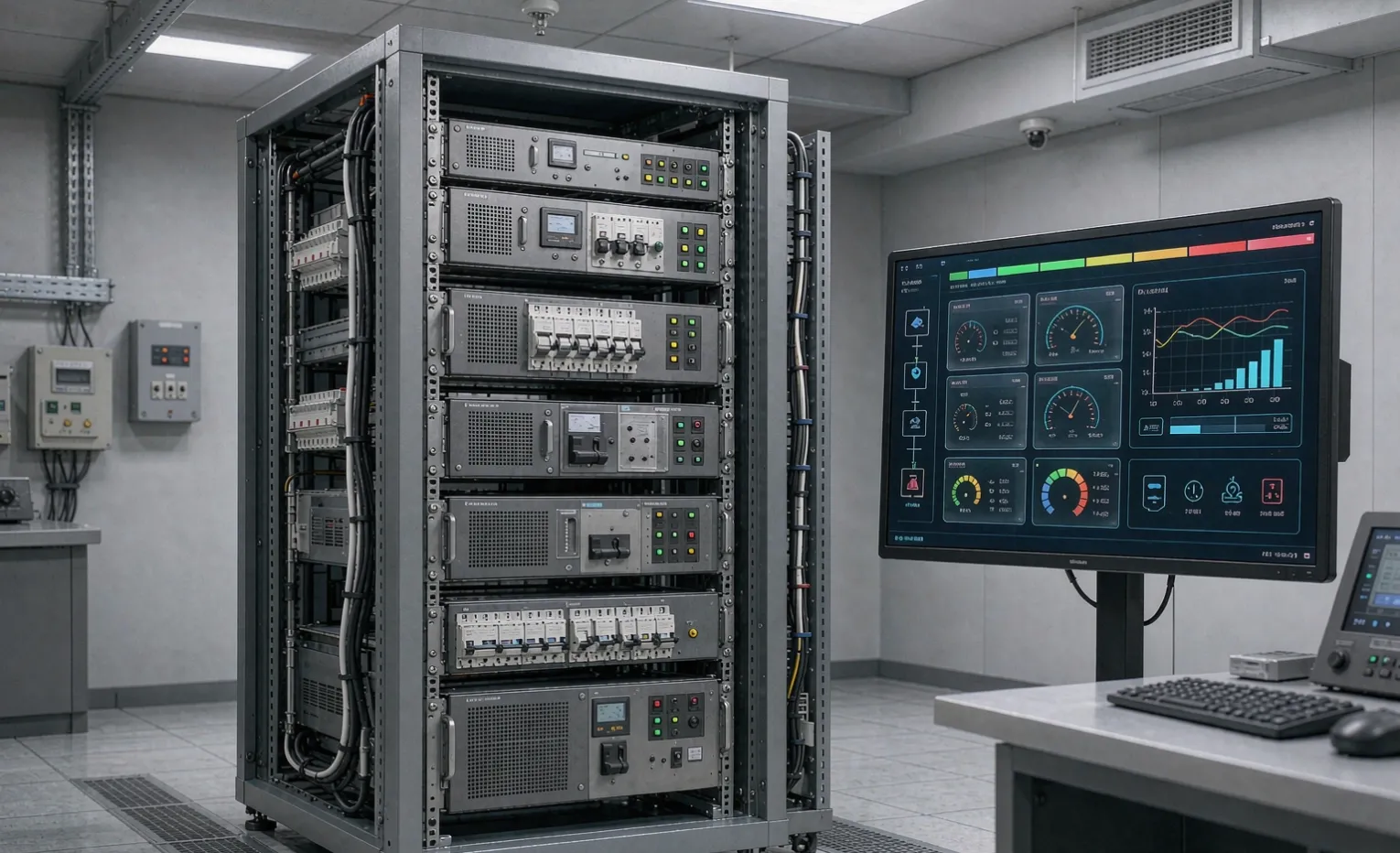
The UPS that can't talk to you is a blind spot
You bought an industrial UPS so a power event never becomes a production stop. But here is the part people skip: a UPS that fails silently is just a box that looks reassuring until the line goes down. Monitoring is what turns "it should be fine" into "here is the warning, two hours before it matters."
This guide is for the buyer writing the spec — not the IT team that will read the alarms later. By the end you will know the three ways a UPS reports status, which one fits your site, and the five alarms you should never leave out of the RFQ.
What "monitoring" actually covers
Monitoring is not one feature. It is three layers, and you rarely need all three at full depth:
- Status — is it on utility, on battery, or on bypass right now?
- Alarms — something changed: low battery, overload, fault, battery degraded.
- History — trended data: how often did it switch, how long did batteries last, what was the load.
A small standalone panel needs the first two. A plant feeding a BMS or SCADA lives or dies on the third.
The three ways a UPS talks to you
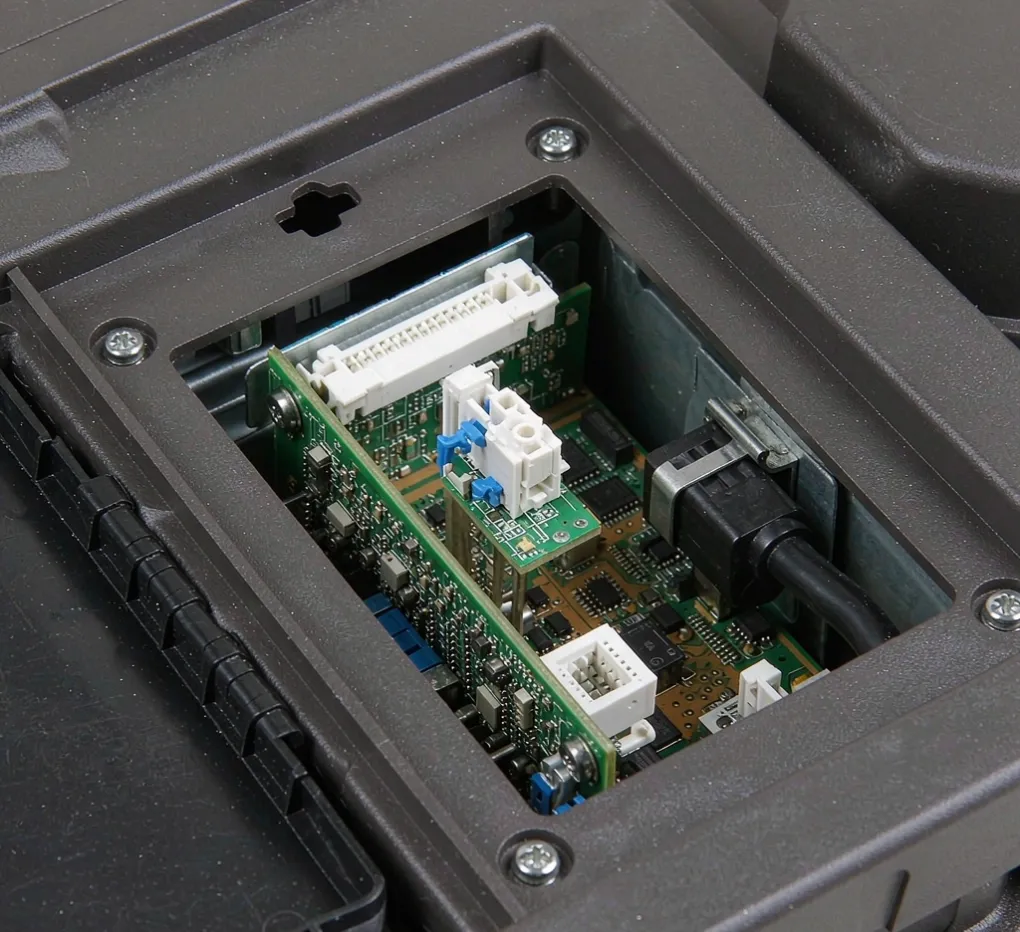
Dry contacts (relay outputs)
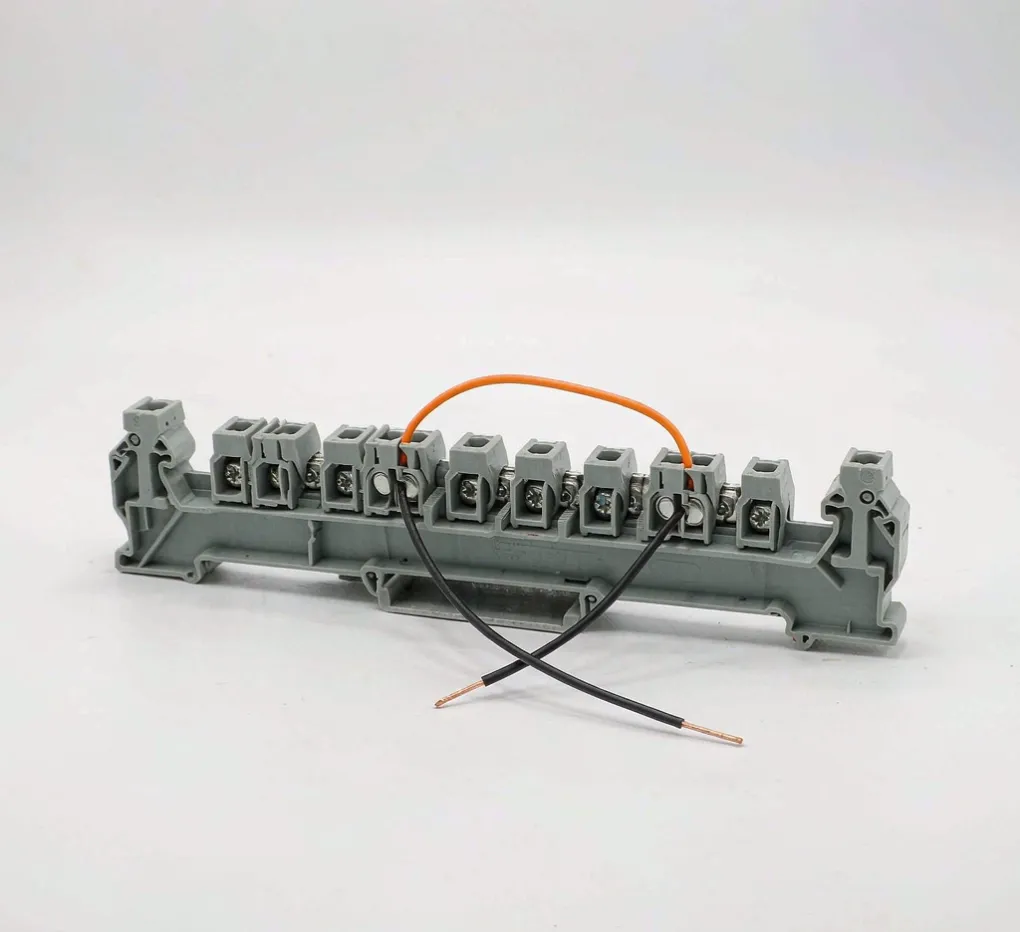
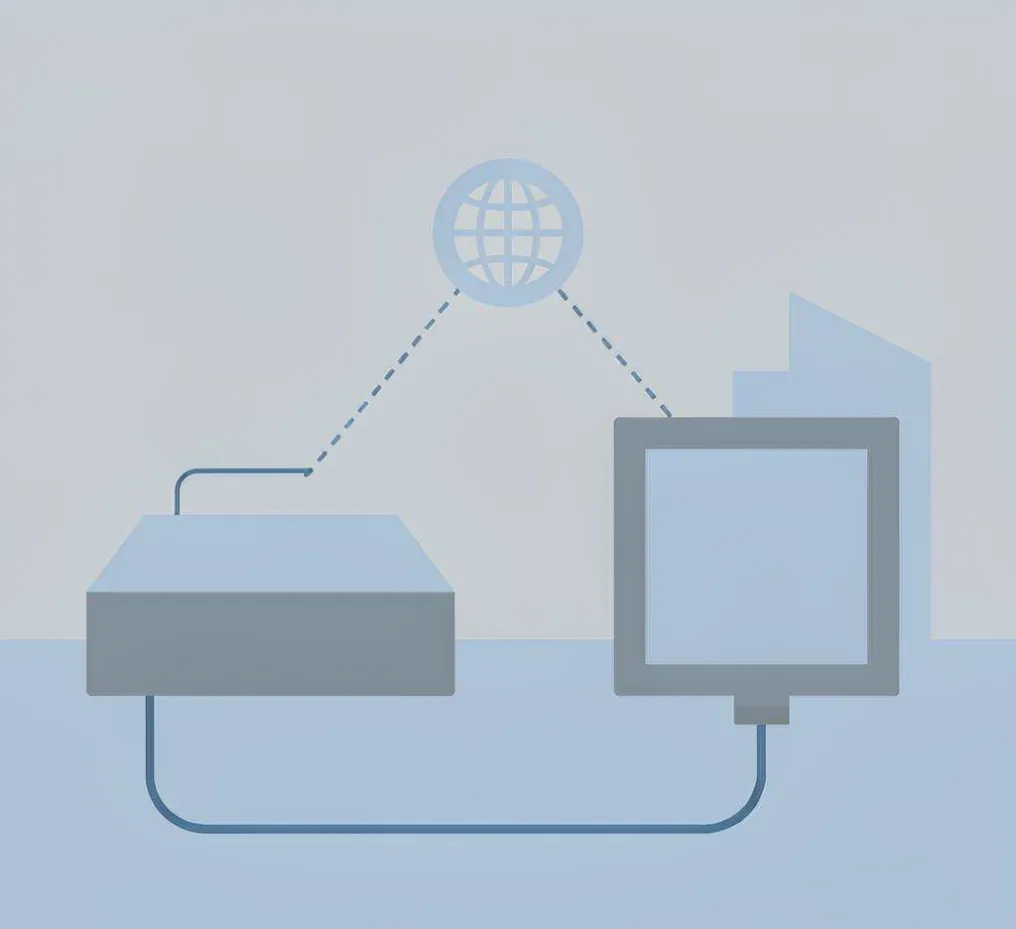
These are the oldest, most universal method. The UPS closes or opens a set of volt-free relay contacts for each condition — on-battery, fault, low-battery. Your PLC or building system reads them as simple digital inputs. No network, no IP, no software. If your site still runs on hardwired signals, this is the cheapest path and it never goes obsolete.
SNMP cards
An SNMP card puts the UPS on your Ethernet network. Instead of one bit per alarm, you get a full variable list: input voltage, load percentage, battery runtime remaining, temperature, event logs. It speaks to network management systems over SNMP and usually emails or traps on fault. The catch: someone has to give it an IP, a VLAN, and a monitoring target — and that person is rarely the panel builder.
Modbus (RTU or TCP)
Modbus is the native language of most SCADA and PLC systems. Over RS-485 (RTU) or Ethernet (TCP), the UPS becomes just another node your controller polls. If you already run a Modbus plant network, this is often the cleanest fit because there is no new software to stand up.
Method | What you get | Best when | Watch out for |
|---|---|---|---|
Dry contacts | One bit per alarm | No network, hardwired PLC/BMS | Limited info, you define each contact |
SNMP card | Full status + logs + traps | IT-managed sites, remote alerts | Needs IP, VLAN, monitoring target |
Modbus | Polled variables | Existing SCADA/PLC network | Integration time, register mapping |
Which one should you specify?
Buyer Decision: Match the monitoring method to the system that will actually read it — not to the fanciest card on the datasheet. A dry contact wired to nobody is worse than no card at all.
If you already run a BMS or SCADA
Ask for Modbus TCP or SNMP, whichever your integrator prefers. The UPS should land in the same system that already pages your maintenance team. This is where trended history earns its keep: you see battery wear before it becomes a failure.
If it is a standalone panel
A dry-contact set wired into your local PLC is usually enough. You get on-battery and fault alarms without standing up network infrastructure. Keep it simple and it will still work in five years.
If you are remote with no IT
SNMP with email or trap alerts is the practical choice — you get a message when the site is unattended. Just confirm someone owns the network side before delivery, or the card ships unused.
The alarm set that actually matters
Engineering Note: Most UPS failures we see in the field were flagged by the UPS weeks earlier. The site just never wired the alarm out. Specifying the contact is half the job; landing it in something that pages a human is the other half.
Do not let the supplier pick the alarm list for you. At minimum, put these in the RFQ:
- On-battery — the utility failed; this is your clock starting.
- Low-battery — shutdown window is closing; this should trigger an orderly stop.
- Overload — the load exceeds rating; a silent overload cooks the inverter.
- Fault — internal failure; the load may be exposed.
- Bypass active — the UPS is out of the path; you are running unprotected.
- Battery degraded — the one that predicts the failure before it happens.
Two mistakes we keep seeing in RFQs
Buying the card after the UPS ships
The communication card is almost always a slot option, not a field add-on you can cleanly fit later. Specifying it up front means the build shop wires and tests it as one unit. Adding it after delivery usually means opening the enclosure, re-certifying, and a second site visit.
Wiring dry contacts to a panel that isn't monitored
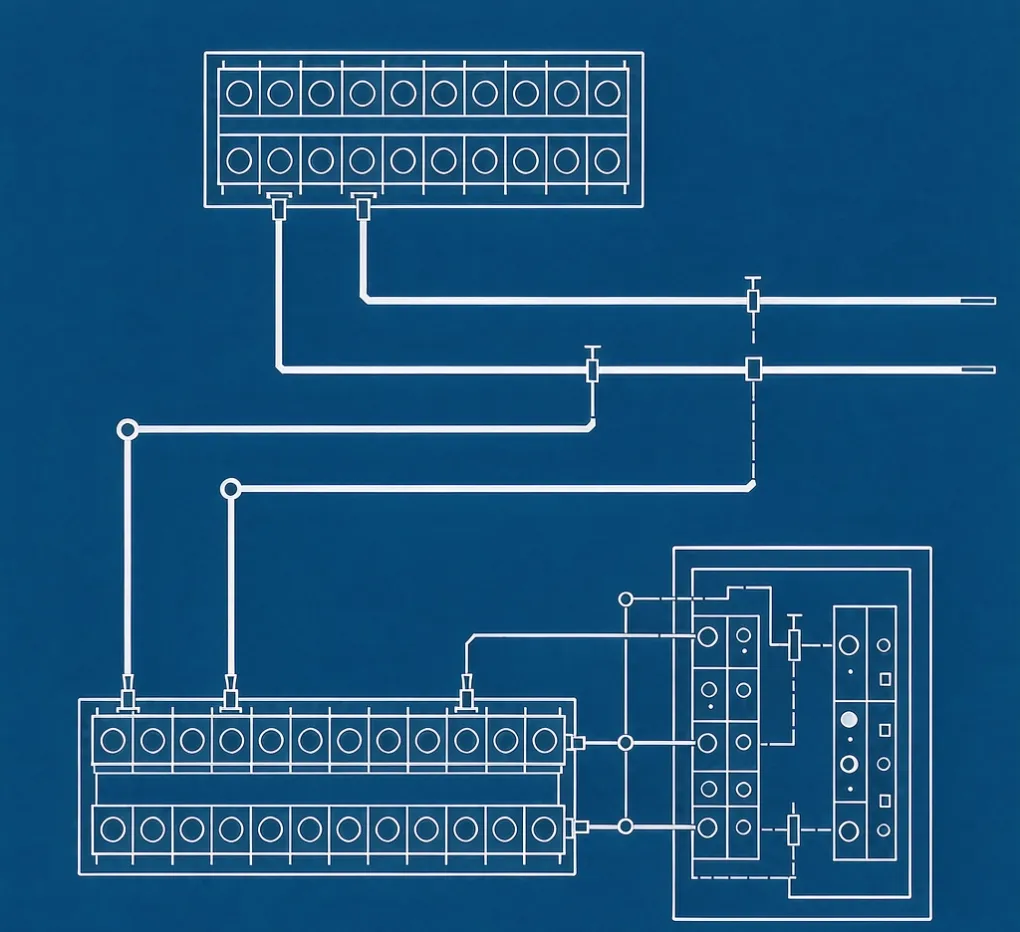
We have reviewed panels where the UPS alarmed perfectly — into a controller that nobody watched. The monitoring decision and the BMS decision have to be made together, or you have paid for an alarm nobody receives.
Standards, and what they mean to you
You do not need to read the standards, but you should know they exist so a supplier cannot hand-wave:
- UL 1778 governs UPS safety in the North American market — relevant if your panel will be inspected there.
- IEC 62040-3 defines UPS performance and the monitoring/communication classes most global suppliers quote.
- NEMA publishes guidance on how power equipment is applied in North American installations.
These tell you the UPS itself is tested. They do not tell you the alarm reached a human — that part is your spec.
How we handle monitoring in a build
We are a sourcing partner and panel-build shop, not a UPS manufacturer. When you send us a drawing, we integrate the communication card at the panel stage and land the dry contacts or Modbus into your controller as one tested assembly. Components typically ship in 3–5 days, so the monitoring method needs to be locked before we build — not after. If you are unsure which method your site supports, that is exactly what the engineering review is for.
Frequently asked questions
Do I need an SNMP card if I already have a PLC? Not necessarily. If your PLC can take dry contacts or poll Modbus, you may not need the network card at all. The card earns its cost when you want logs, remote alerts, or a system your IT team already manages.
Can dry contacts trigger an automatic shutdown? Yes. Wire the low-battery and on-battery contacts into your PLC or safety relay, and the controller can execute an orderly stop on the timing you set. The UPS provides the signal; your logic provides the action.
What if my site has no network at all? Dry contacts are your answer. They are hardwired, need no IP, and read straight into a PLC or building system. Many remote sites run this way for years without issue.
How do I know the battery is wearing out before it fails? That is the "battery degraded" alarm, plus trended runtime data if you use SNMP or Modbus. Without monitoring, you find out during the outage. With it, you replace on a schedule.
Should monitoring be tested before shipment? Absolutely. A contact that reads backwards or a Modbus map with the wrong registers is exactly the kind of fault a FAT catches. Ask for it explicitly in the FAT checklist.
Who owns the network side of an SNMP card? That is the question to answer before delivery. The build shop wires and tests the card; your IT or integrator gives it an IP and a monitoring target. If that handoff is unclear, the card ships dark.
Engineering Takeaway
Monitoring is not a checkbox on the UPS datasheet — it is the link between a fault and a person who can act. Pick the method that matches the system already reading alarms at your site, specify the full alarm set in the RFQ, and test it at FAT. A UPS that reports is an asset; a UPS that alarms into the void is a liability you paid extra for.
Ready to lock the monitoring method before we build? Upload your drawing for an engineering review, and we will return suggestions on card choice, alarm wiring, and FAT checks — usually within one business day.
Related guides
Looking for a sourcing partner who builds the monitoring in, not bolted on? See our industrial UPS systems and the China sourcing guide.