
How to Specify UPS Communication & Monitoring (Modbus, SNMP, BMS)
Dry contacts, Modbus, SNMP, or a BMS gateway — how to choose the UPS communication interface your facility actually needs for remote alarms, predictive maintenance, and audit trails.
Your UPS is only as useful as the alarm you get when it transfers to battery at 3 a.m. A standby unit with no communication is a silent failure waiting for a power event. Specifying the right UPS communication interface is a buying decision that affects every future maintenance call, every remote site, and every audit — and most purchasers pick it by leaving the field blank.
This guide breaks down the four interface types you will be offered, maps each to the system you actually run (BMS, SCADA, or "just email me"), and gives you the exact lines to put in your RFQ so the unit arrives ready to talk to your network.
If you are also specifying the enclosure that houses the UPS, our Electrical Enclosure Supplier China Sourcing Guide covers the structural and ingress decisions.
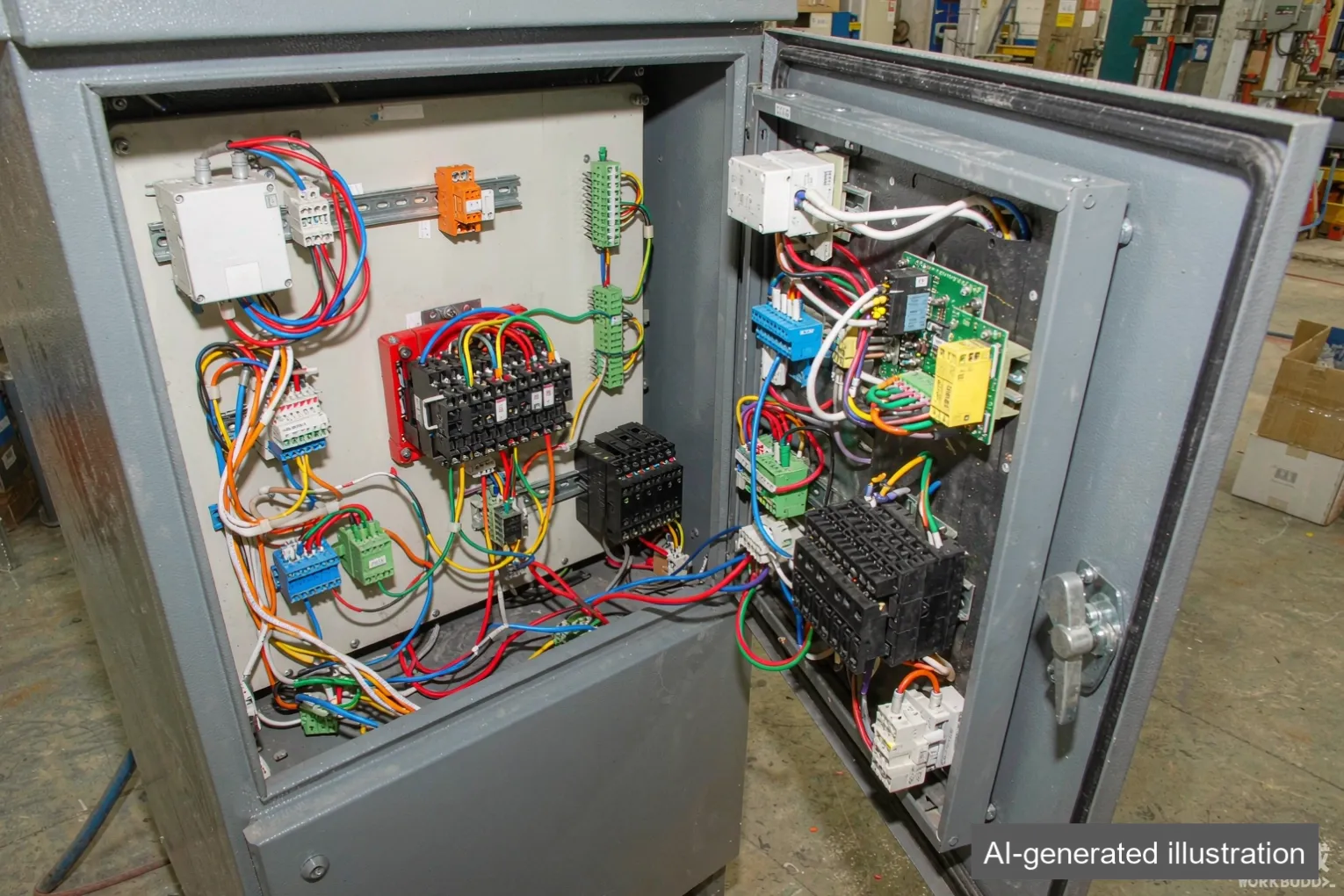
Why UPS communication matters to you
Without communication, the only signal you get from a UPS is the local LED — which nobody is watching at 3 a.m. With the right interface you get:
- Remote alarm — battery mode, low battery, fault, and bypass all pushed to your control room or phone.
- Predictive maintenance — trended battery voltage and load tell you which unit will fail before it does.
- Audit trail — timestamped event logs for FDA, utility, or data-center compliance.
- Faster dispatch — a remote site pages you with the fault code instead of a total outage call.
The interface is cheap to add at order and expensive to retrofit after. Specify it upfront.
Buyer Decision: Match the protocol to the system that will read it. A Modbus unit wired to a BACnet BMS with no gateway is a unit that will sit silent.
The four interface types
Dry contacts (relay outputs)
The simplest option: a set of volt-free relay contacts that close on alarm (battery mode, fault, low battery). They wire into any PLC or alarm panel's digital input.
- Pros: Universal, no software, immune to network changes, cheapest.
- Cons: No data, only states; no trending; one contact per condition.
- Specify when: You have a PLC or building alarm panel and only need "alarm / no alarm" signals.
Modbus (RTU over RS-485, or TCP)
The workhorse of industrial automation. Modbus exposes register-level data — input voltage, load percent, battery state, last fault — to your PLC or SCADA.
- Pros: Native to industrial systems, rich data, easy to map in a PLC.
- Cons: Needs RS-485 wiring or an IP route; someone must map the register table.
- Specify when: The UPS feeds a PLC or SCADA (the common case in factories and water plants).
SNMP (network)
Simple Network Management Protocol puts the UPS on your IT network with an IP address, polled by NMS software or sending traps.
- Pros: Fits IT/data-center networks, standard for NMS, email/web traps.
- Cons: Lives on the corporate LAN; needs VLAN/security thought; not native to a PLC.
- Specify when: The unit sits in a server room or data center managed by IT.
BACnet / BMS gateway
A gateway translates the UPS into BACnet IP or MS/TP so it appears as a point in your building management system alongside HVAC and access control.
- Pros: One pane of glass with the rest of the facility; native to BMS.
- Cons: Gateway cost; integration project; needs a BMS to be useful.
- Specify when: Facilities management runs a BMS and wants the UPS as just another point.
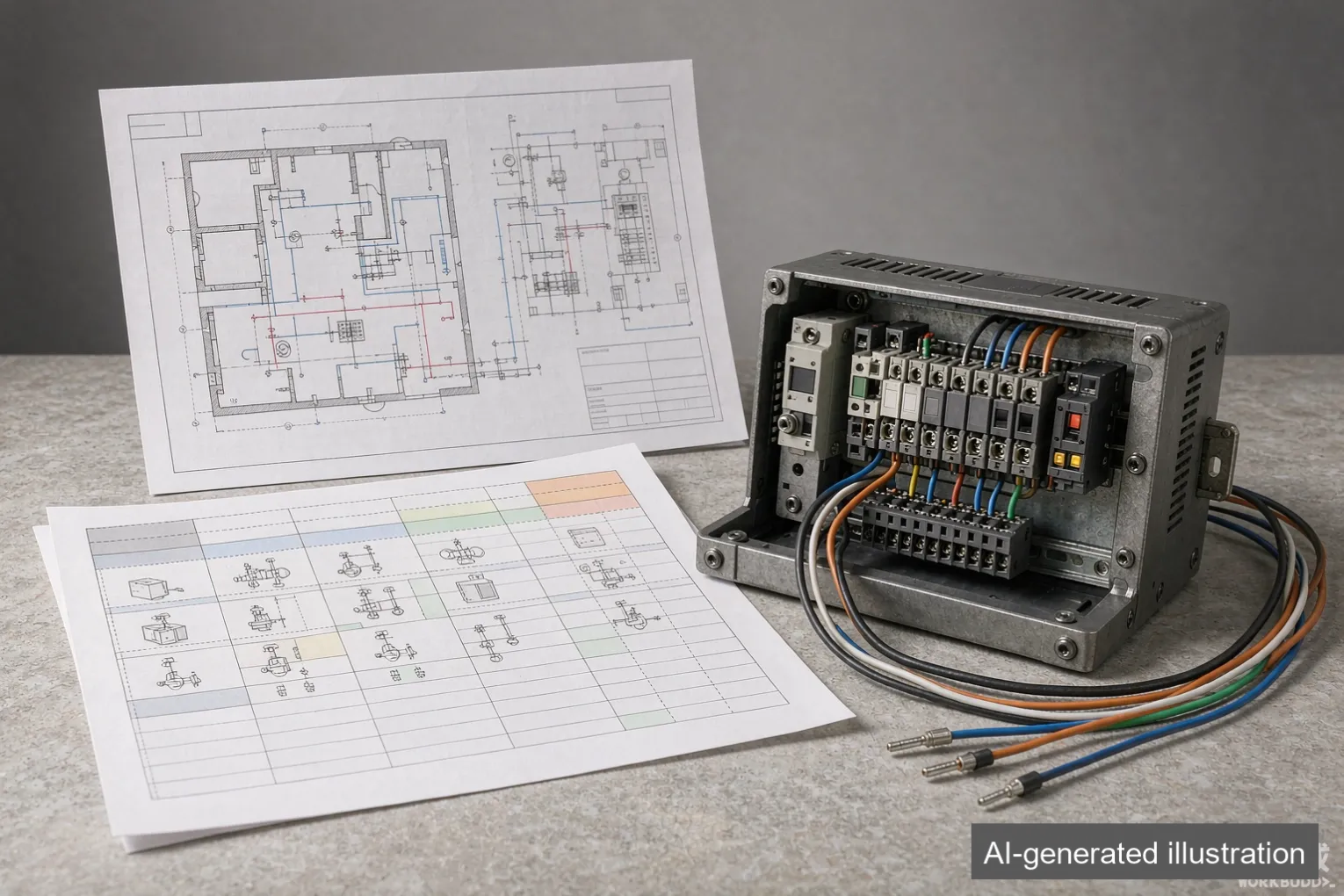
How to match the protocol to your system
Your system | Interface to specify | What you get |
|---|---|---|
PLC / SCADA (factory, water) | Modbus RTU/TCP | Register-level data into your HMI |
Building alarm panel | Dry contacts | Alarm states, no data |
IT / data center LAN | SNMP | NMS traps, web status |
BMS (BACnet) | BACnet gateway | UPS as a BMS point |
Remote/unstaffed site | Modbus + dry contact + email trap | Local PLC + paged fault |
Most industrial buyers should default to Modbus RTU/TCP plus a couple of dry contacts for the critical alarms. Add SNMP only if IT owns the unit; add a BACnet gateway only if a BMS is in scope.
Engineering Note: "Has communication" is not a specification. Name the protocol, the physical layer (RS-485 vs RJ45), and the register or point map you expect. That is what turns a box into a monitored asset.
Remote alarm, predictive maintenance, and audit trails
Once the protocol is right, decide what you will actually do with it:
- Alarm set — at minimum: on-battery, low-battery, fault, bypass. Map these before commissioning.
- Trending — log battery voltage and load weekly; a 10% drift predicts end-of-life months out.
- Shutdown sequencing — many UPS support graceful server shutdown on prolonged outage; specify if you need it.
- Event log export — for audits, confirm the unit stores timestamped events you can pull.
These are configuration and cabling decisions made at install, but they are triggered by what you specified at purchase.
What to put in your RFQ
- [ ] Communication protocol named (Modbus RTU / TCP, SNMP, BACnet, dry contact).
- [ ] Physical interface stated (RS-485, RJ45, relay terminals).
- [ ] Register or point map requested from the supplier.
- [ ] Alarm set defined (on-battery, low-battery, fault, bypass).
- [ ] Monitoring goal stated (remote alarm / trending / audit).
- [ ] Network/security note (VLAN, static IP) if SNMP.
- [ ] UL 1778 listed construction confirmed where required (via partner UL file shop).
- [ ] Lead time confirmed against the schedule below.
Where we sit
We are a sourcing partner for industrial UPS systems, not a manufacturer. We help you specify the communication interface your BMS or SCADA actually reads, source units with Modbus / SNMP / dry-contact options built in, and confirm UL-listed construction (UL 1778 via a partner UL file shop, file number available in writing) where your project requires it. We do not write your BMS integration — we make sure the unit arrives with the protocol and register map your integrator needs, so commissioning is a configuration job, not a retrofit.
FAQ
Q: Is a dry-contact UPS enough for a factory? For alarm-only needs, yes — wire the contacts into your PLC and you get battery/fault states. If you want load and battery trending in your HMI, you need Modbus.
Q: Modbus RTU or Modbus TCP for a UPS? RTU over RS-485 is the industrial default and survives electrical noise well. TCP fits if the unit sits on your Ethernet and your PLC polls IP. Pick based on what your PLC already talks.
Q: Can I add SNMP later if I skip it now? Sometimes via a card, but not always, and retrofit cards cost more than ordering at build. Specify it at PO if IT will ever own the unit.
Q: Does communication affect UPS lead time? No — it is a build option, not a capacity change. A sourced industrial UPS typically runs from 1 unit, 35–40 days after drawing + BOM review; empty enclosures / shells MOQ 5, about 15–20 days; stock components 3–5 days. Communication is set during build.
Q: My BMS is BACnet but the UPS is Modbus — now what? You need a BACnet gateway (or a protocol converter at the BMS). Specify the gateway at order; retrofitting it after install is a separate integration project.
Q: How do I keep the UPS off the corporate LAN securely? Put SNMP units on a dedicated management VLAN with a static IP and restricted access. That is a network-design note, but flag it in the RFQ so the supplier ships the right interface type.
Related guides
Get your UPS specified to talk to your system
Send us your BMS/SCADA type, the protocol you need (Modbus / SNMP / BACnet / dry contact), and your load profile. We return a sourced UPS specification with the right communication interface and register map — typically within 1 business day.
- Email: info@uniregal.com
- Form: Submit your requirements (or our contact form)
Complete panels: from 1 unit, 35–40 days after drawing + BOM review. Empty enclosures / shells: MOQ 5, about 15–20 days. Stock components: 3–5 days. UL-listed construction available via partner UL file shop (file number in writing).
Produced with AI-assisted drafting and reviewed by the Uni Regal team before publication.