Oct 6, 2026Buying Guides
Modular UPS Systems: When and Why They Beat Fixed-Capacity Units for Control Panels
A modular UPS scales capacity and redundancy by adding hot-swap modules. Learn when it beats a fixed unit for control panels, how to size it, and what to spec in your RFQ.
What a Modular UPS Actually Is
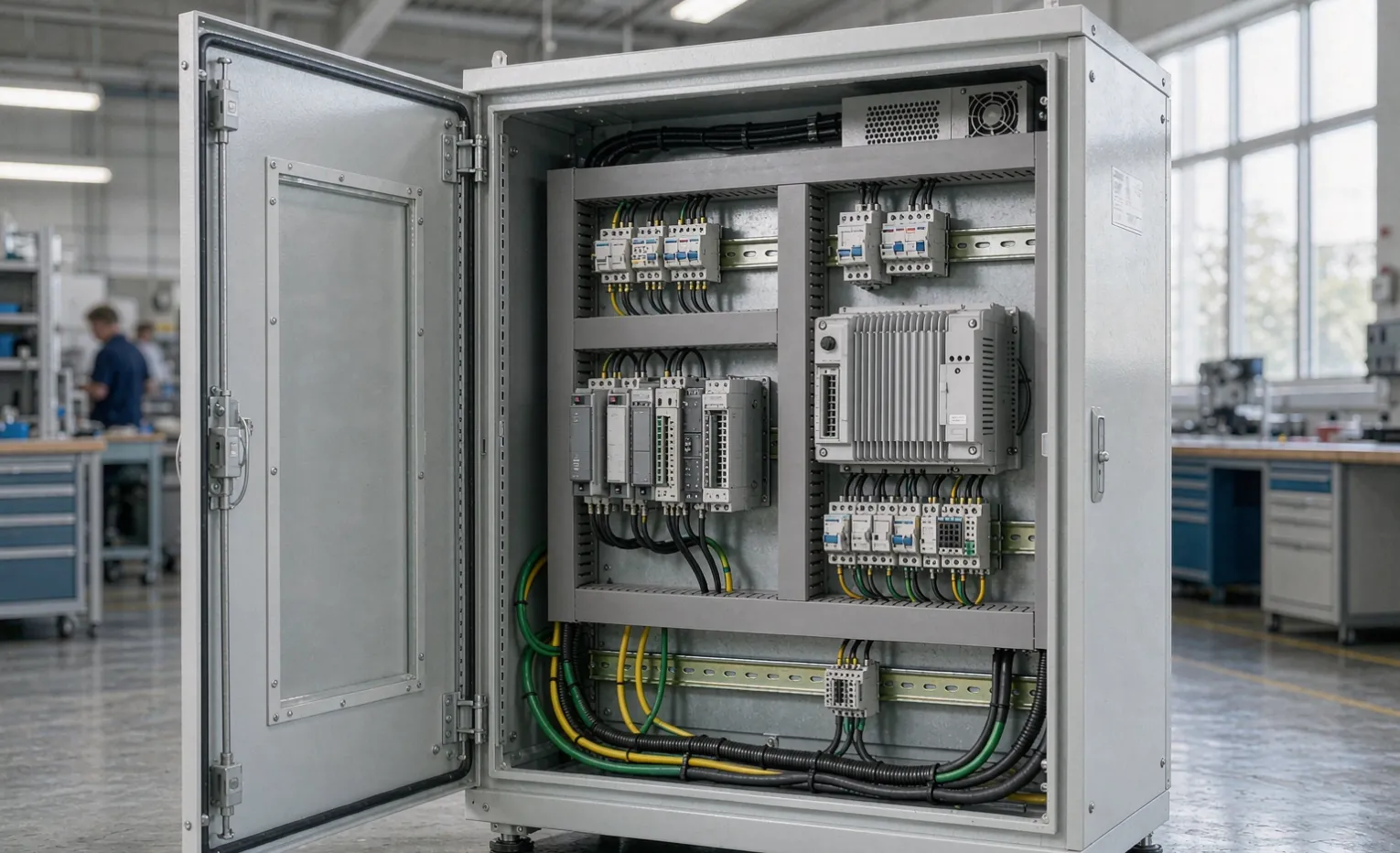
A modular UPS is an uninterruptible power supply built from hot-swappable power modules that share a common frame. Instead of one fixed inverter sized for a single capacity, you populate a rack with modules — often 10–20 kVA each — and the system treats them as one power pool. If one module fails, the others keep carrying the load. That is the whole idea in one sentence: capacity and redundancy grow by adding modules, not by ripping out and replacing the unit.
Buyer Decision: Ask your supplier whether the modules are truly independent — each with its own inverter and static bypass — or just bridged sub-units inside one block. Independent modules are what make live maintenance and real N+1 possible.
The Building-Block Architecture
A typical modular UPS has three shared elements — the cabinet, the static bypass, and the battery bank — plus the power modules you slide in. The frame size (commonly a 20-, 40-, or 60-kVA chassis) sets the ceiling; you buy only the modules you need today and leave empty slots for growth. The battery bank is usually separate too, so runtime expands by adding battery modules rather than touching the power side.
N+1 and N+X Redundancy, Plainly
"N" is the number of modules required to carry the full load. "N+1" means one spare module, so the system survives a single module fault without dropping load. "N+2" adds two spares. For a control panel feeding a process line where a 30-second outage costs thousands, N+1 is often the minimum a buyer should consider. The redundancy lives inside one frame — you do not need a second separate unit.
When a Modular UPS Is the Right Call
Modular units cost more per kVA up front than a comparable fixed unit. You pay that premium only when the buying drivers below apply. If none of them fit, a fixed unit is usually the rational buy.
Load Growth Is Uncertain or Staged
If you are speccing a panel for a line that will expand in 18 months, a fixed UPS forces you to over-buy now or replace later. A modular frame lets you add a module when the new VFD or PLC rack lands — no crane, no rewire of the frame, often no shutdown. Buyers who know the load will creep upward should treat modular as the default.
Downtime Cost Is High
On a well-site, a water-treatment PLC, or a packaging line, a UPS fault that drops the panel is an unplanned stop. N+1 means a module can fail at 2 a.m. and the load never blinks. A fixed unit has no internal spare; a fault is an outage until a service call arrives. Tie the redundancy grade to the cost of a dropped panel, not to habit.
You Need Live Maintenance Without a Shutdown Window
Because modules are hot-swappable, a technician can pull a faulty module while the system runs. With a fixed UPS, maintenance usually means transferring the load to bypass and scheduling a window. For buyers who cannot afford the window — continuous-process and remote sites especially — modular is the only option that matches operations.
Total Cost of Ownership Over 10 Years
The higher capital is often repaid by avoided replacement and by right-sizing. Industrial UPS deployments with staged load growth typically reach the crossover point at 4–6 years, after which the modular approach is cheaper than buying-then-replacing a fixed unit. If the load is static and small, a fixed unit wins on pure TCO.
Modular vs Fixed-Capacity UPS: The Buyer's Matrix
Decision factor | Modular UPS | Fixed-capacity UPS |
|---|---|---|
Upfront cost per kVA | Higher | Lower |
Capacity expansion | Add modules, no downtime | Replace or add a parallel unit |
Redundancy (N+1 / N+X) | Native inside one frame | Requires a second unit |
Live module swap | Yes | No |
Footprint at low load | Wasted frame space | Compact |
Battery runtime change | Add battery modules | Often fixed or limited |
Best fit | Growing, staged, high-downtime-cost loads | Static, small, budget-bound loads |
Typical module size | 10–20 kVA per slot | Single rated block |
Engineering Note: The matrix above assumes the modular frame ships with at least one free slot. A frame delivered 100% populated gives you zero redundancy headroom — buyers should write "leave one slot open" into the RFQ, not assume it.
Sizing a Modular UPS for a Control Panel
Step 1 — Quantify the Protected Load
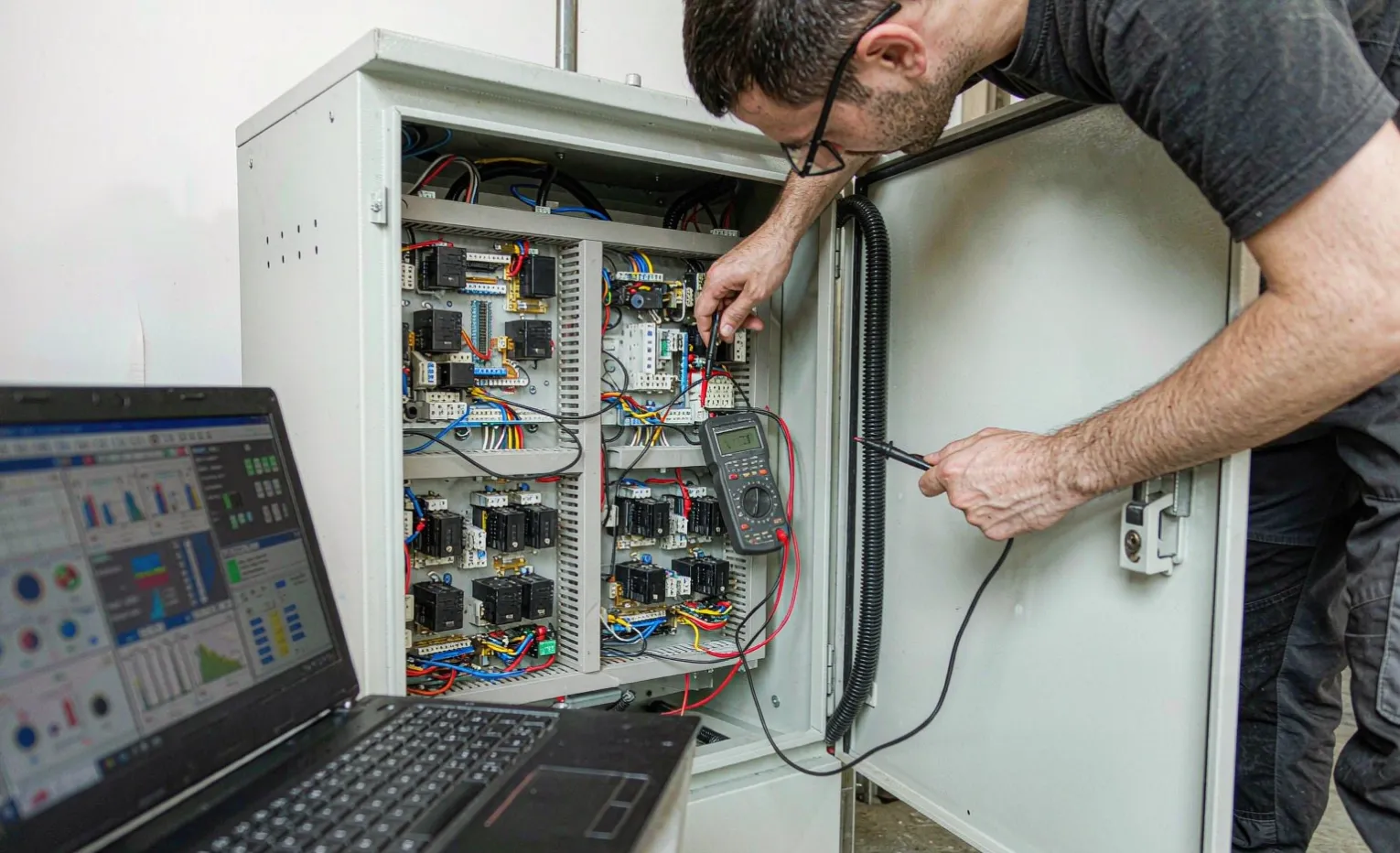
List every device the UPS must hold through an outage: PLC, HMI, network switch, sensors, and the control-side of VFDs (not the motor itself). Add the running watts, apply a 1.2–1.3 power-factor margin, and you have the real kVA. Most control panels sit between 1 and 10 kVA of protected load; a skid or MCC may reach 20–40 kVA. Sizing to the motor is the most common over-spend buyers make.
Step 2 — Choose the Redundancy Grade
If the load is 6 kVA and you want N+1, pick a frame whose modules let you run the load on N modules plus one spare. A common choice: 10-kVA modules, three installed (20 kVA available against a 6-kVA load = comfortable N+2 headroom). Match the grade to the cost of a dropped panel, not to a default.
Step 3 — Runtime vs Battery Modules
Runtime is set by battery modules, not power modules. Five minutes covers a graceful shutdown; 15–30 minutes bridges a generator start or a short grid event. More battery modules means more floor weight and cost. Specify the runtime you actually need — buyers routinely over-pay for 60-minute runtime they never use.
Step 4 — Form Factor and Where It Lives
Modular UPS ships in floor-standing frames or rack-mount shelves. In a control-panel build, a rack-mount module pair can sit beside the PLC; in an enclosure room, a floor frame centralizes spare modules. Match the form factor to your panel layout and to how a technician will physically reach the slots during a swap.
Battery Chemistry: VRLA vs Lithium
VRLA (Sealed Lead-Acid)
The default for most industrial UPS. Lower upfront cost, proven, but a service life of roughly 3–5 years regardless of use. Buyers must budget the replacement and plan the swap — a dead battery bank turns your UPS into a pass-through with no ride-through.
Lithium (LiFePO4)
Higher capital, but 8–10 year life, lighter, and tolerant of higher ambient temperatures. For sites where a battery swap is expensive (remote, hazardous-area) or where ambient runs hot, lithium often wins on lifecycle cost even at a higher sticker. Confirm the chemistry is supported by the module platform before you commit.
How the UPS Talks to Your Panel
A UPS that only switches is half a solution. Buyers should spec communications so the panel and the plant network know the power state.

- Dry contacts — simplest; a relay tells the PLC "on battery" or "fault."
- Modbus RTU/TCP — lets the PLC or SCADA read load, battery health, and runtime.
- SNMP — for integration with building or site management systems and alarm routing.
Buyer Decision: If your panel already runs Modbus, ask for a Modbus card rather than paying for SNMP you will never wire. Match the protocol to what your control system already speaks.
Mistakes Buyers Make
- Buying capacity, forgetting redundancy. A 20-kVA frame running a 19-kVA load has zero spare — one fault is an outage.
- Assuming "modular" means field-serviceable everywhere. Confirm the supplier supports hot-swap and stocks modules locally; a module you wait six weeks for is no redundancy.
- Ignoring battery replacement. Battery modules age on a clock. Budget the swap; a dead bank negates the UPS.
- Mixing brands in one frame. Modules are rarely cross-compatible; standardize on one platform.
- Specifying maximum runtime by default. Pay for the event you are protecting against, not the longest number on the datasheet.
Frequently Asked Questions
Is a modular UPS worth it for a small control panel? If the protected load is under 2 kVA and static, a fixed unit is usually cheaper and simpler. Choose modular when you expect growth, need N+1, or cannot schedule maintenance windows.
What standard should I ask a supplier to meet? In North America, UL 1778 is the safety standard for UPS; internationally, IEC 62040 covers performance and testing. Ask for the relevant mark and the test report, not just a verbal claim.
Can I add modules later without shutting the panel down? With a true modular frame and hot-swap modules, yes — provided a free slot exists and the supplier confirms live insertion for that model. Confirm this in writing before you buy.
How much runtime do I really need? Enough to ride a generator start (often 10–15 minutes) or to complete a controlled shutdown (3–5 minutes). Specify the event you are protecting against; do not default to maximum.
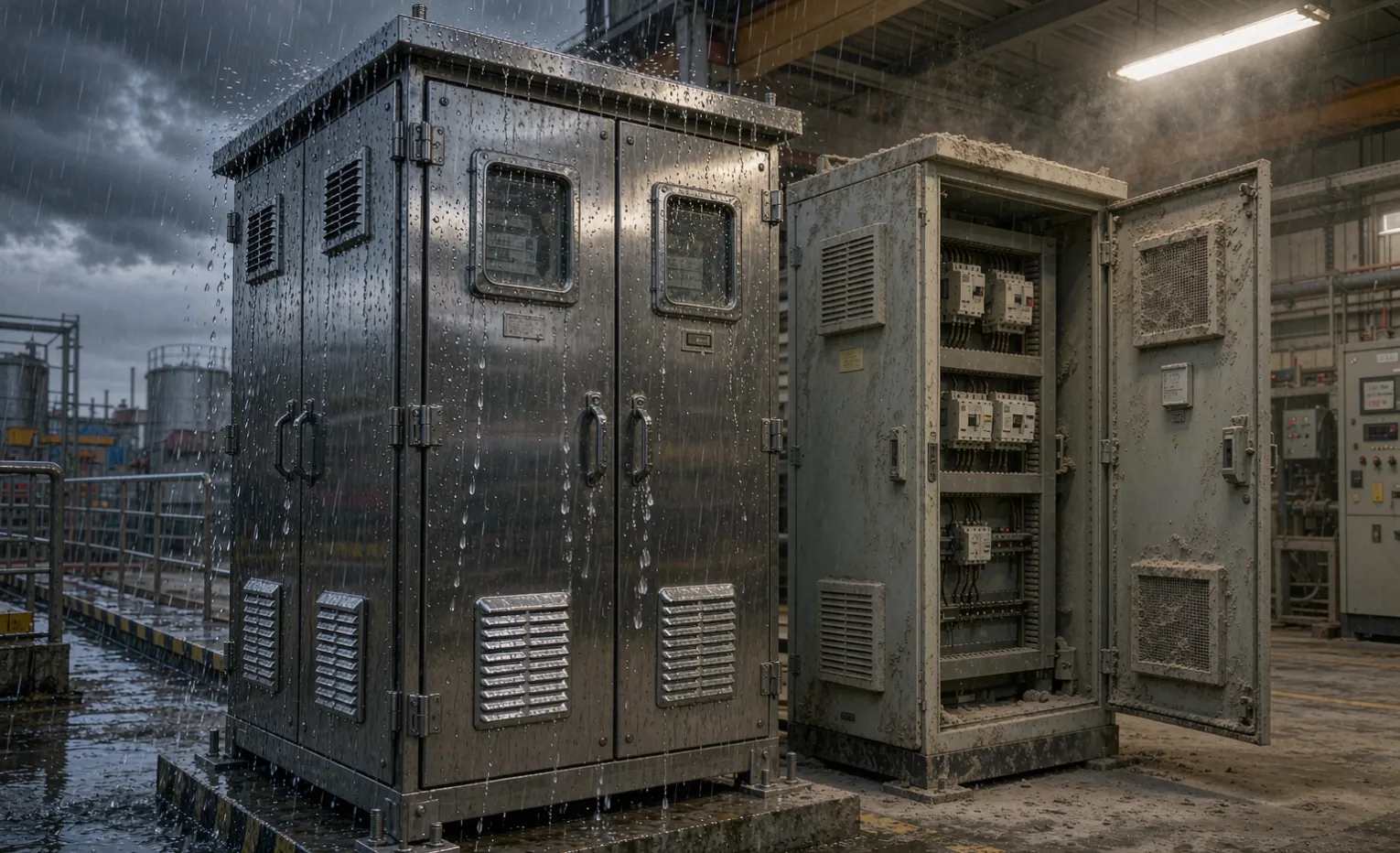
Does a modular UPS need its own enclosure? It depends on the install. Indoor clean rooms: often no. Harsh or outdoor sites: house the frame in a properly rated enclosure — see our enclosure guides. The UPS and the enclosure are separate specs; buyers should treat them as two line items.
VRLA or lithium for a remote site? If a battery swap is costly or ambient runs hot, lithium's longer life and temperature tolerance usually beat VRLA on lifecycle cost despite the higher capital. For a climate-controlled room with cheap service access, VRLA is fine.
Engineering Takeaway
A modular UPS pays for itself only when the load will grow, downtime is expensive, or maintenance must happen live. Size to the real protected load, leave one free slot for N+1, spec the runtime you need (not the maximum), pick the battery chemistry by lifecycle cost, and confirm hot-swap support and module availability before you sign. For a static, small load, a fixed unit is the rational buy.
Related Guides
Talk to a Sourcing Partner
If you are speccing a control panel and need to size or source a UPS — modular or fixed — send us the load list and the runtime you must hold. We will match a UL 1778 / IEC 62040-compliant unit to your panel and budget, and flag the redundancy grade that fits your downtime risk. Share your requirements.
Need help specifying or sourcing this for your project? Request a quote - we reply within 1-2 working days with a technical review.